How to Write a Selling Avito Listing With an AI Agent
Avito is the biggest classifieds marketplace in Russia, and on it the winner is not the best product but the listing people actually find and open. This Genosai agent picks a title that matches how buyers search, writes a text that gets replies, and turns your snapshot into a clean product photo. You talk in plain words, with no settings and no jargon.
Updated: August 10, 2026
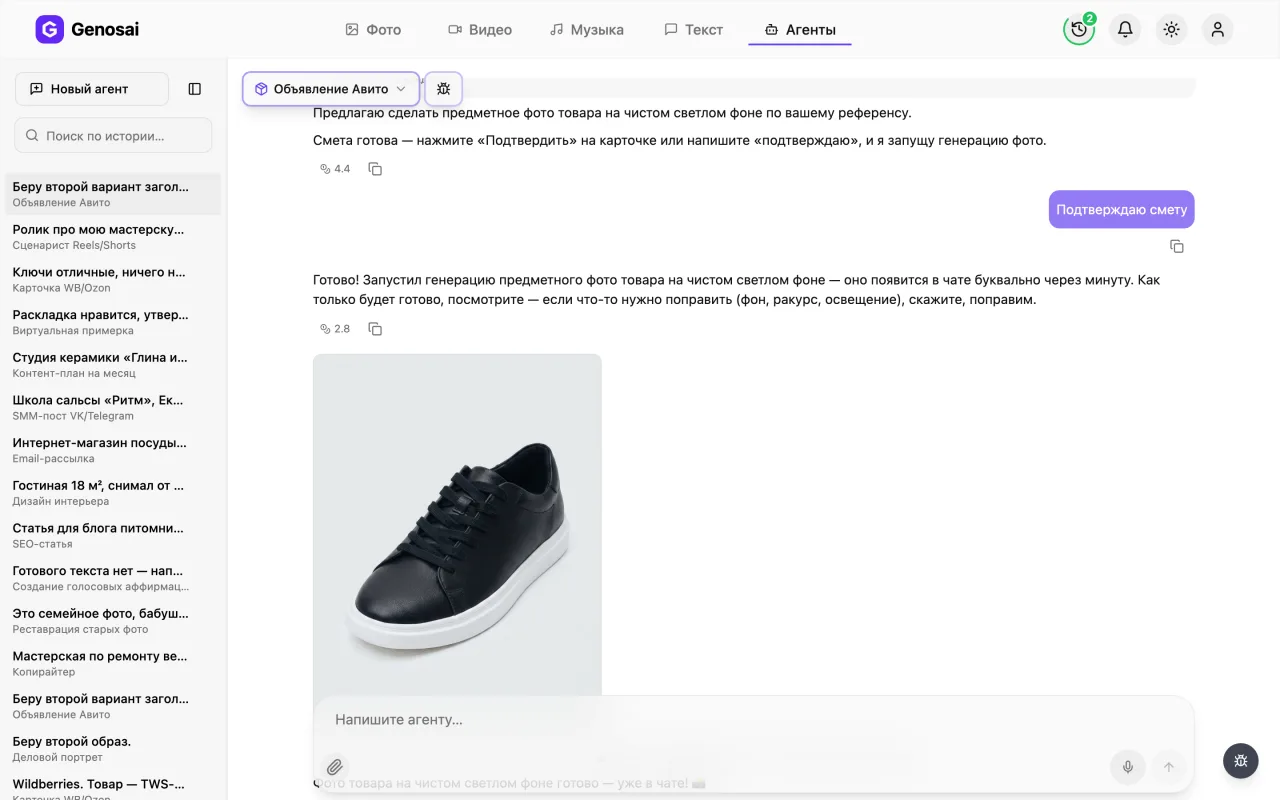
- Three title options — The agent offers three phrasings under 50 characters built around a real search query, and you pick one.
- Text tuned for search — Keywords sit inside natural sentences, so the listing is both discoverable and pleasant to read.
- A clear structure — The core benefit first, then specifications, then deal terms and a direct invitation to message you.
- Clean background photo — Attach a snapshot and the agent turns it into a tidy catalogue style shot of your actual item.
- Edit until it fits — Rewrite the text as often as you like, since exchanging messages costs almost nothing.
- Estimate before spending — The image cost is shown up front and credits leave your balance only after you press confirm.
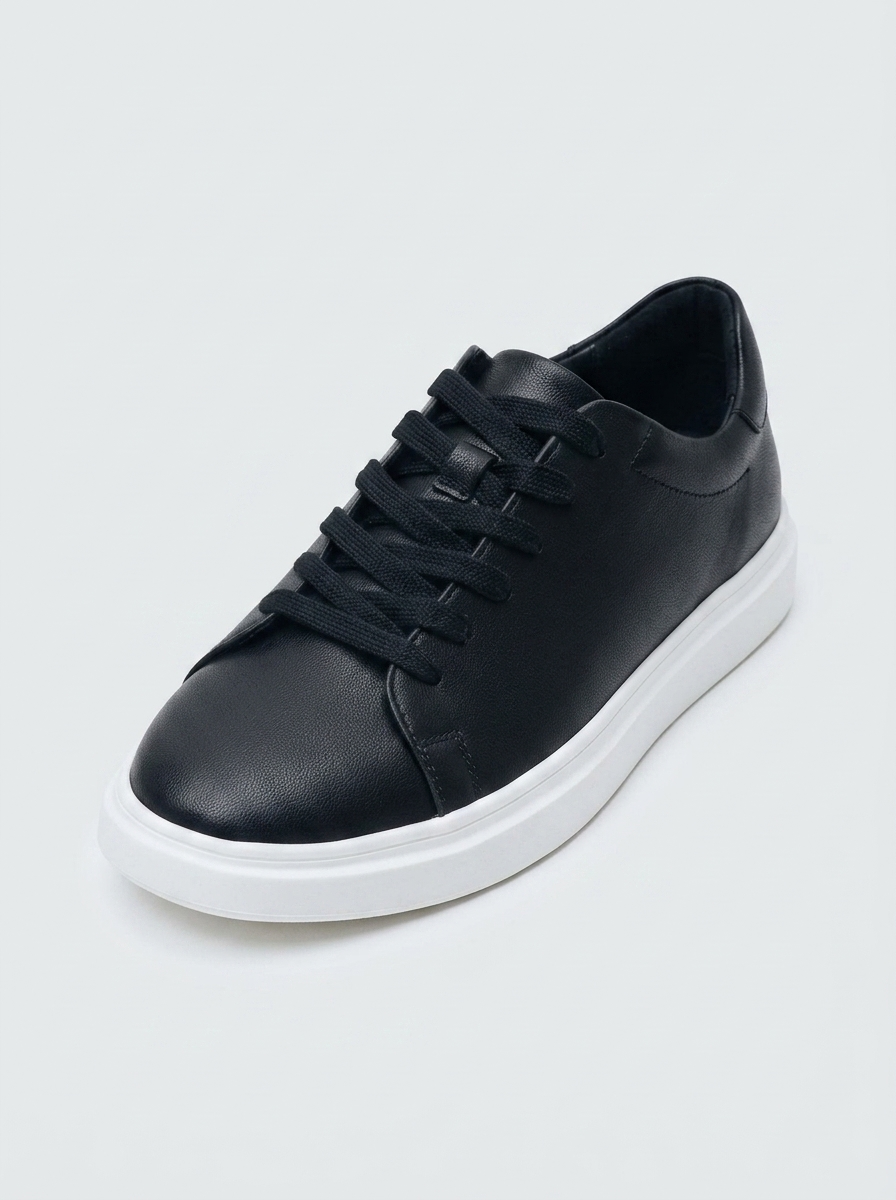
What it produced
Step-by-step guide
1. Step 1. Register
Open the Genosai site and press the sign in button. You need an email and a password, and the whole registration takes about a minute. New accounts get trial credits, so the first listing can be built for free.

2. Step 2. Open the studio
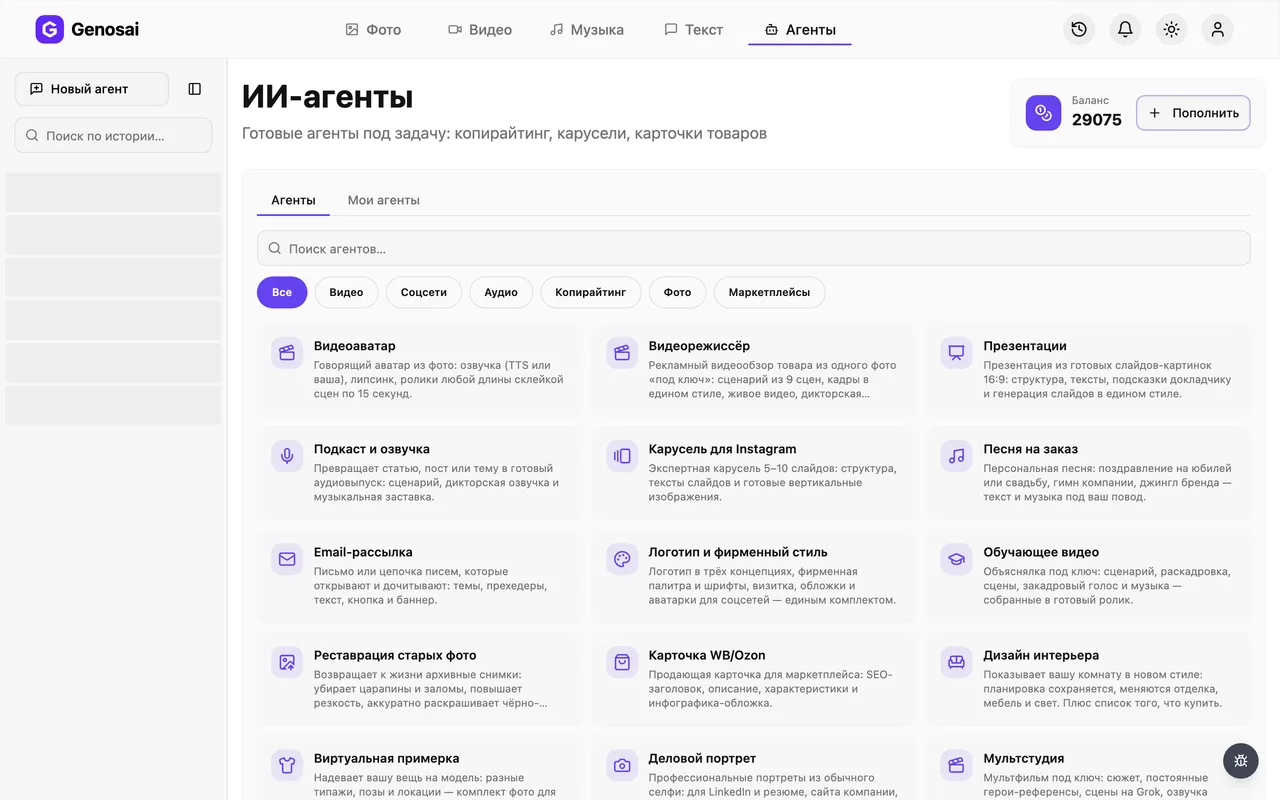
The studio is the main working screen of the service. Near the top you will see an Agents tab. Behind it sit ready made assistants, each trained for one specific job.
3. Step 3. Pick the agent
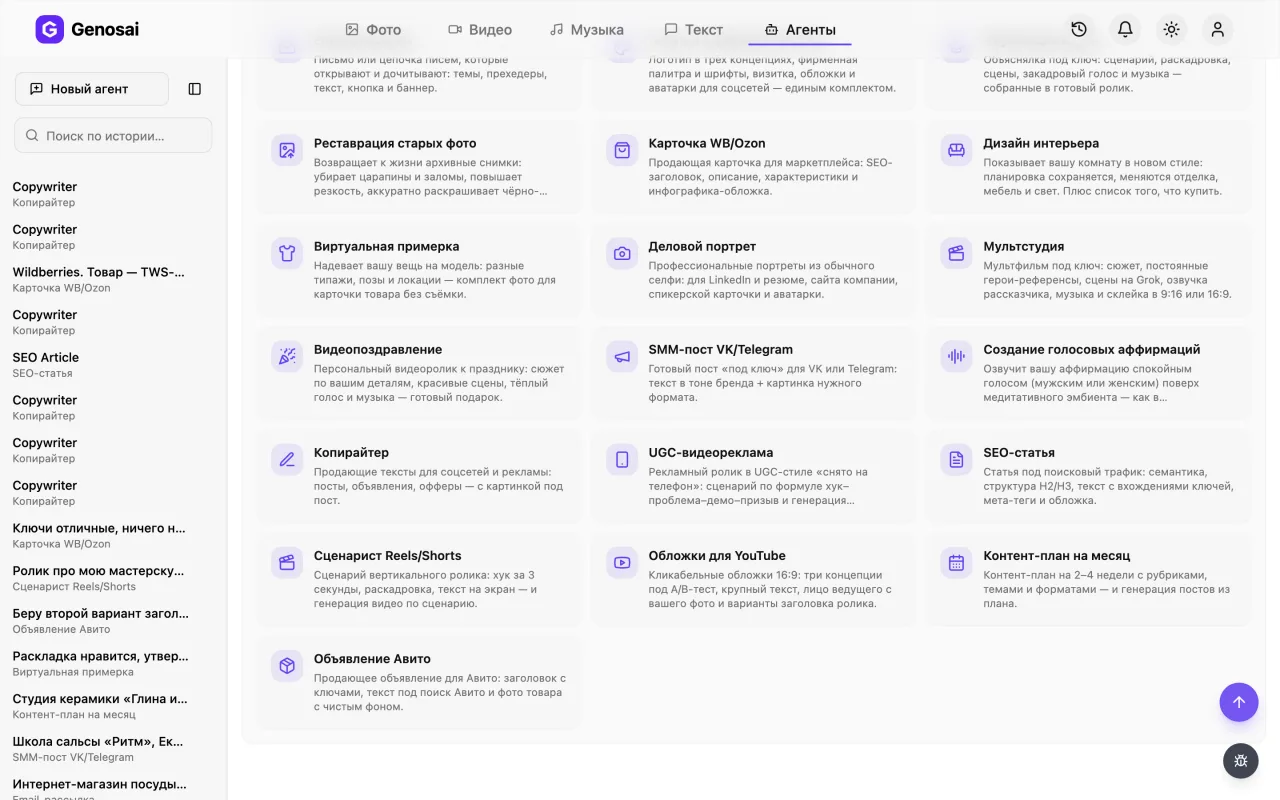
The gallery has a search field and topic sections. Type Avito or open the ecommerce category. Click the card with the parcel icon and a chat with the agent opens.
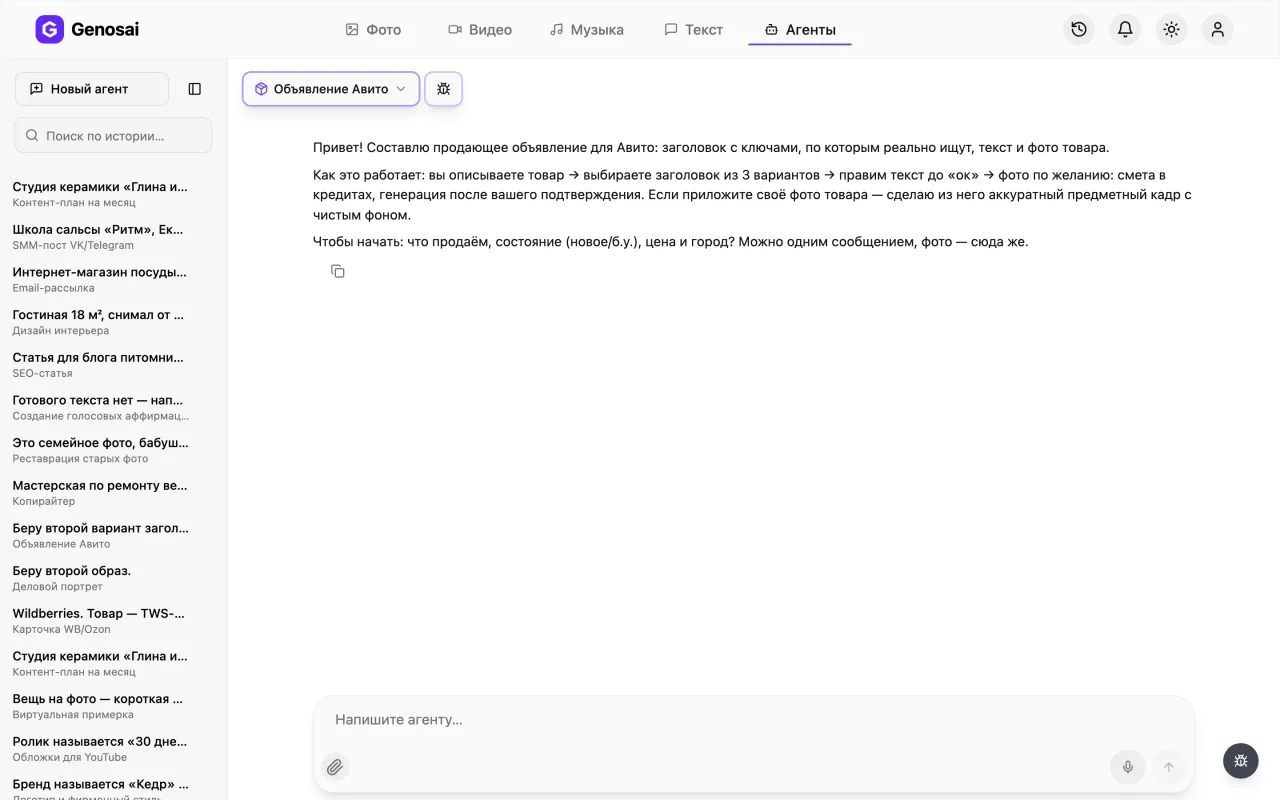
4. Step 4. Read the greeting
The agent says hello first and briefly explains the process. It asks what you are selling, whether it is new or used, the price and the city. Answer freely, the way you would text a friend.
5. Step 5. Describe the item
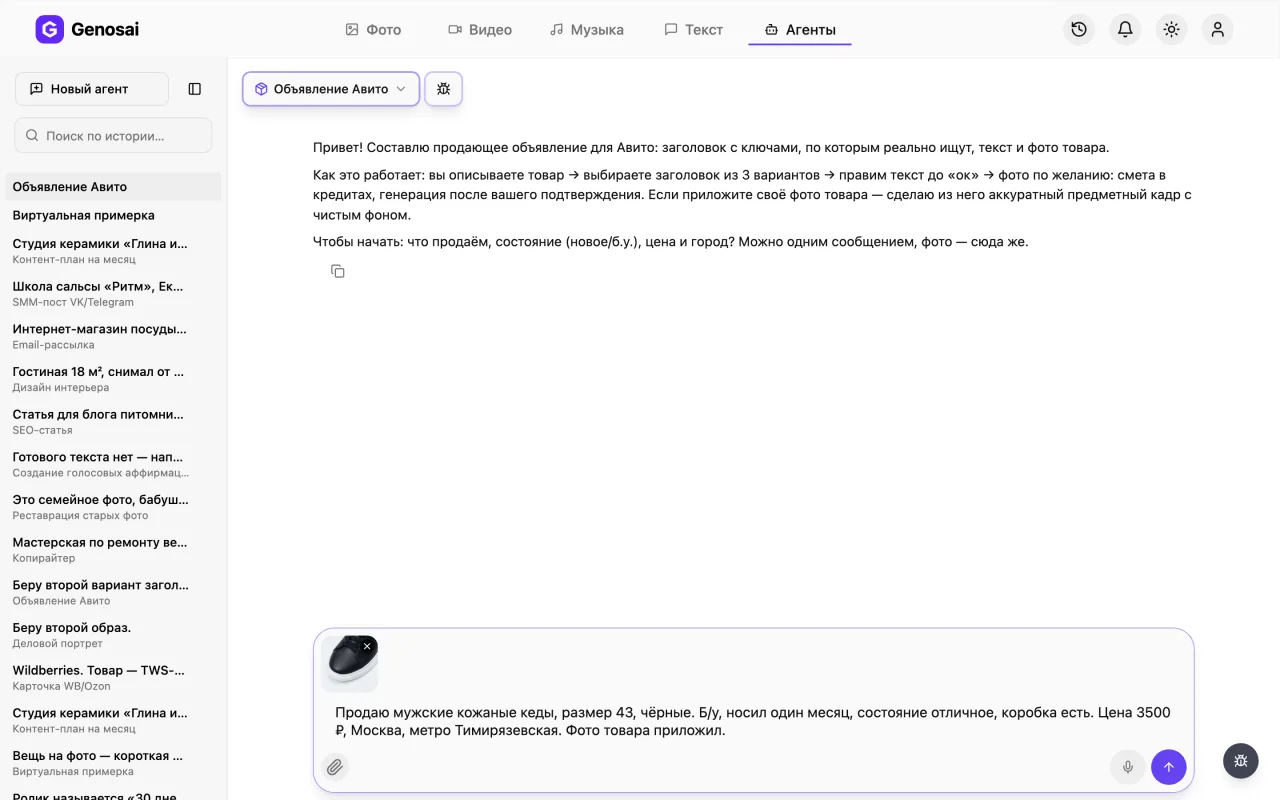
In one message give the item, its condition, the price, the city and the main strengths. The agent then shows three title options. Choose the one you like and it writes the full listing text.
Naming your reason for selling removes half of the questions buyers would otherwise ask.
6. Step 6. Attach a photo
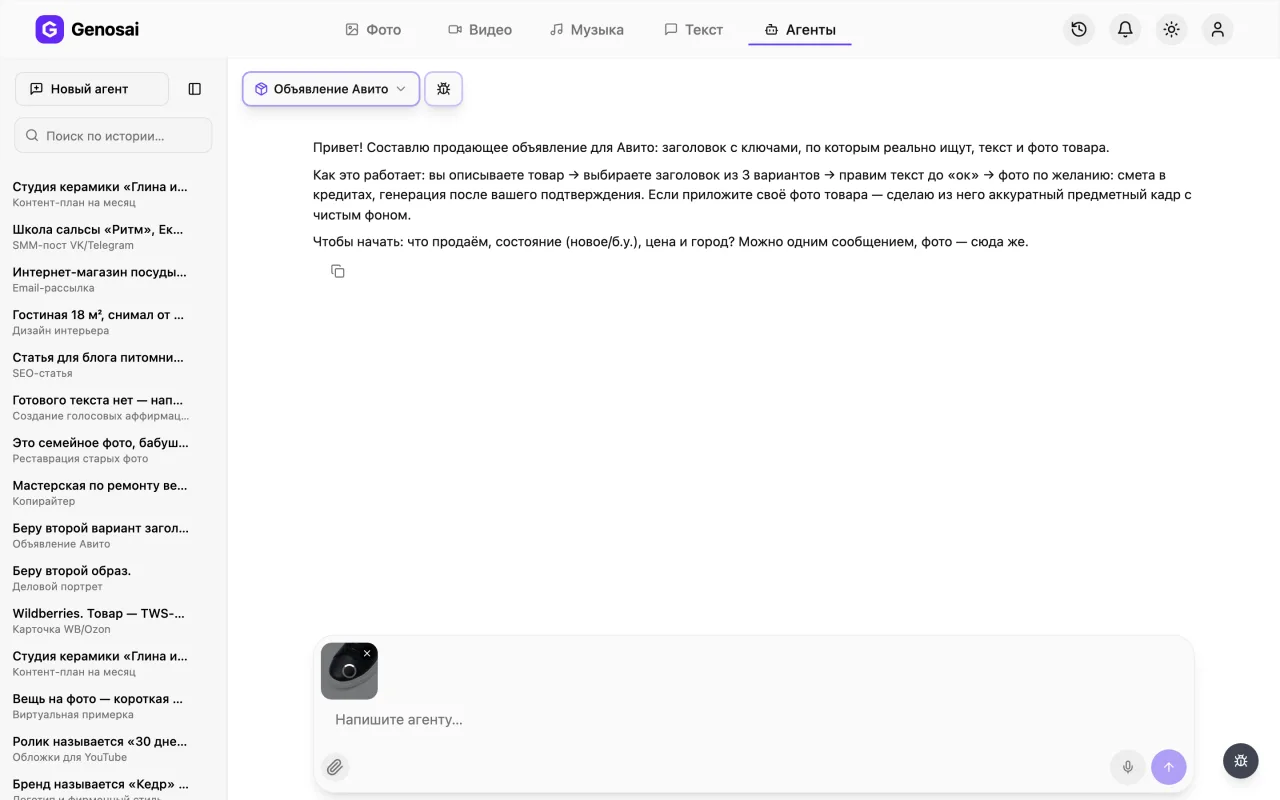
Press the paperclip next to the message box and choose a picture of the item from your phone or computer. The agent uses your own shot as the base so the final image shows the real object, not a lookalike.
The photo is only needed for the picture, the listing text is written without it.
7. Step 7. Confirm the estimate
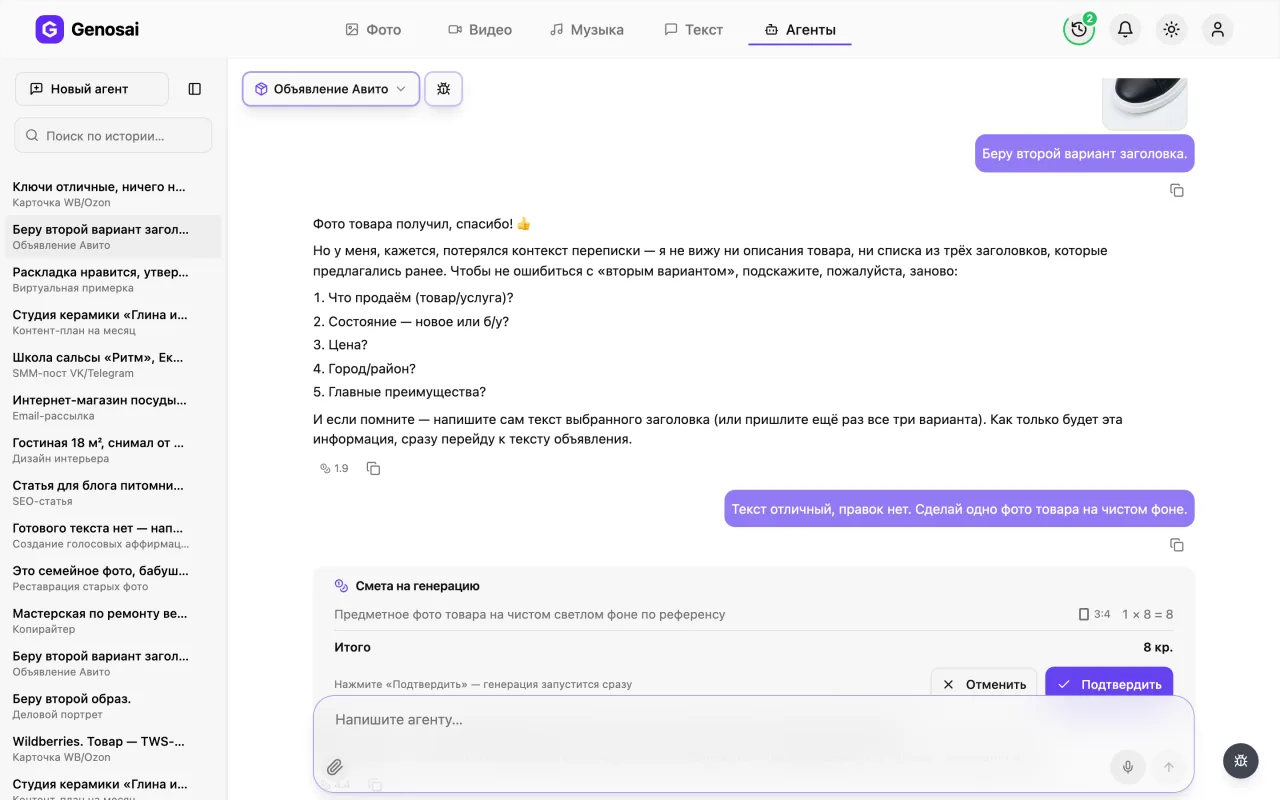
Once the text is ready and you are happy with it, the agent offers to produce a clean background photo. An estimate card appears with the number of images and the cost in credits. Nothing is charged until you press confirm.
Confirmation is the button on the card or the single word confirm, a long chatty sentence is intentionally not enough.
8. Step 8. Wait for the image
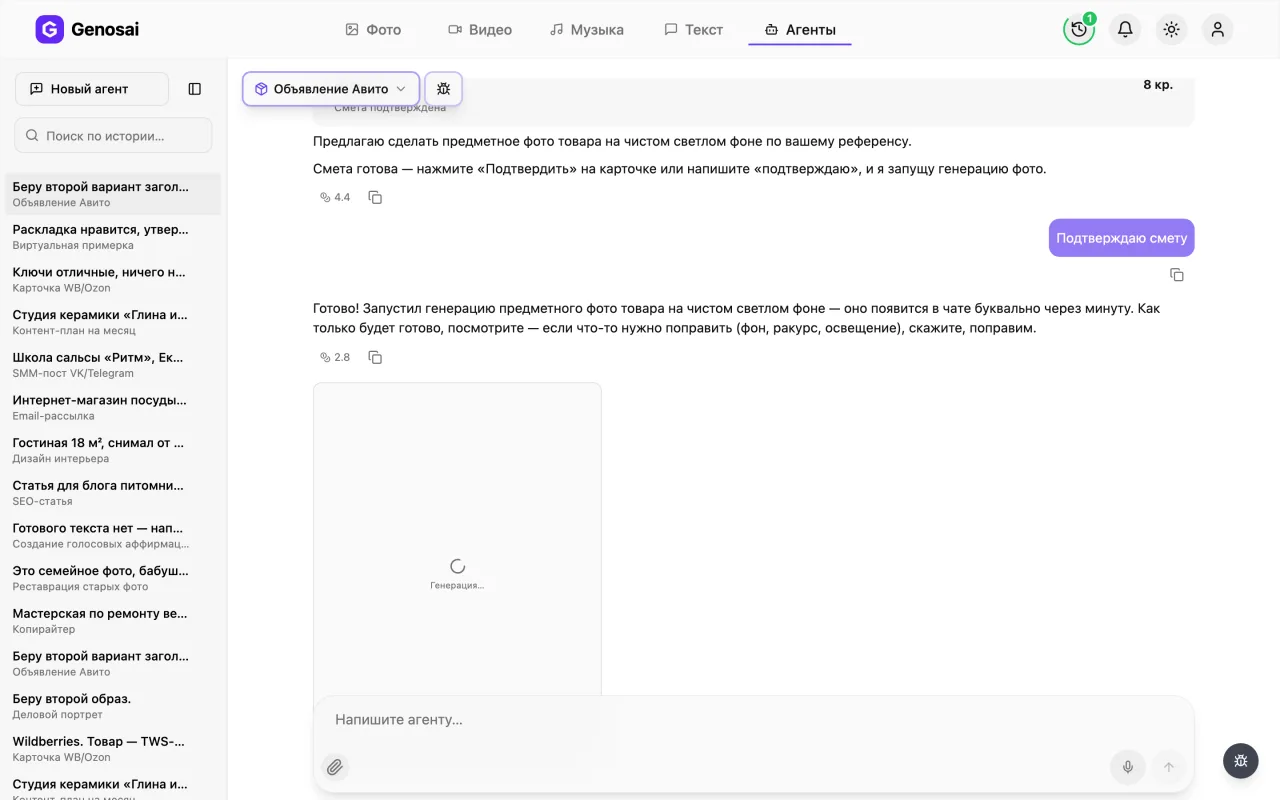
After confirmation the generation starts and a tile labelled Generating appears in the chat, turning into the finished picture as soon as it is ready. It normally takes a minute or two. You can close the tab and return later without losing the job.
9. Step 9. Collect the listing
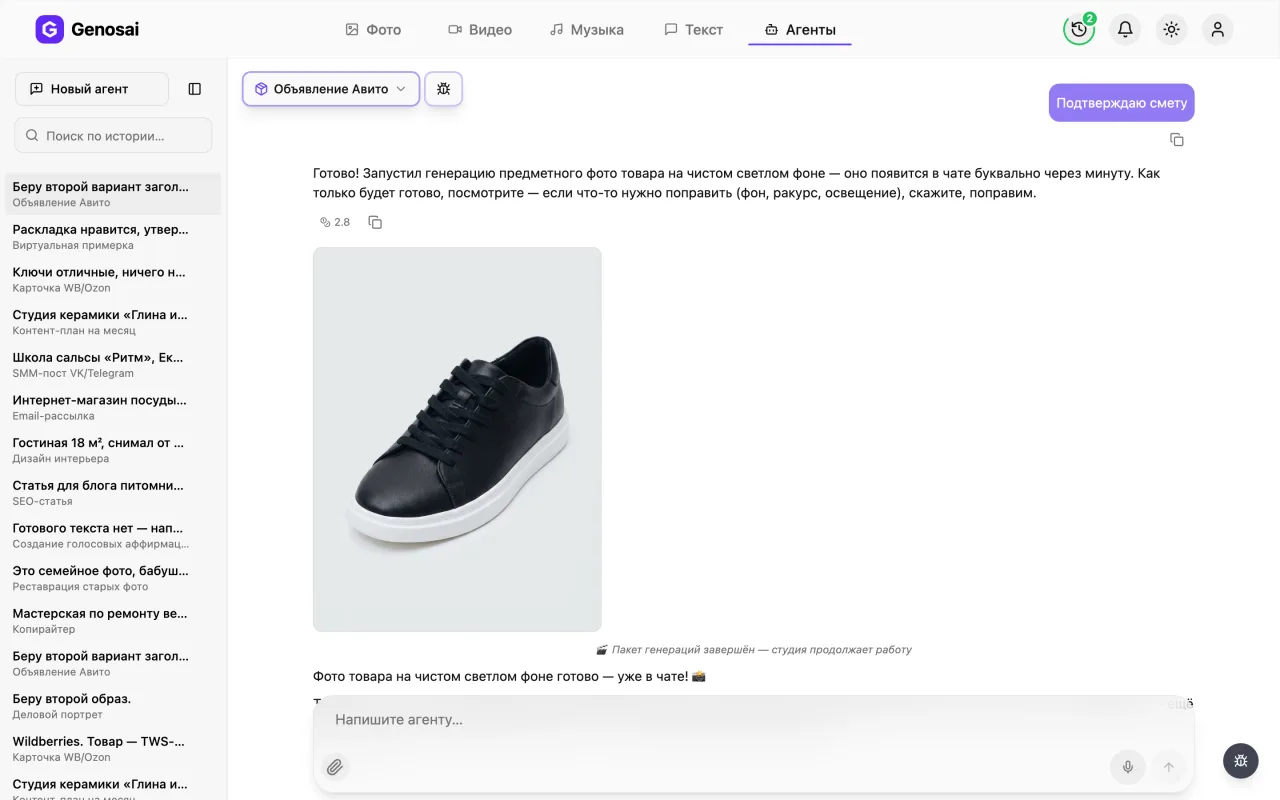
The finished picture arrives in the chat as a tile. Click it to open the full screen viewer, where a download icon saves the file. Copy the listing text from the messages above. Then open Avito, paste the title and the description, upload the photo and publish.
What this agent does
The agent prepares a complete listing rather than just a nicely worded paragraph. The work follows a clear order and every stage ends with a decision from you.
It starts by collecting the basics about the item. Then it offers three title options, deliberately three so there is something to compare, each under fifty characters because that is what Avito shows in the search feed. Titles follow a simple formula of what is being sold plus the one detail that matters, and they avoid filler words like selling or cheap which eat space and help nobody find you.
Once a title is chosen the agent writes the body. The opening paragraph explains what the item is and why it is worth attention. Then come specifications or contents as a list. After that the reason for selling, if it is a personal item, or your advantages if you are offering a service. The ending covers deal terms such as negotiation, delivery and warranty, plus a direct invitation to message you.
Only at the very end, with the text approved, does the agent touch the photo. You attach a snapshot with the paperclip straight into the chat and it produces a tidy catalogue style image on a light background. The order is deliberate, because the text is the main deliverable here and the picture supports it.
Who it is for
People selling personal belongings who dread writing the description every time. A sofa, a pram, a set of winter tyres, a phone. The agent handles any of them with the same calm.
Independent professionals and tradespeople who advertise services. Repairs, tutoring, cleaning, delivery. Here it matters enormously that the listing is found by the right words.
Small shops running dozens of listings who do not want to type each one by hand. A single conversation takes about ten minutes.
Anyone whose listing has been sitting for weeks without views. Very often the problem is not the price but a title nobody searches for.
What to prepare in advance
Not much is needed, just answers to a few questions.
What exactly you are selling. Not a phone, but a Xiaomi Redmi Note 12 smartphone, 128 gigabytes, black.
The condition. New, used, how long you owned it, any defects. Honesty works in your favour here because it filters out pointless calls.
The price and whether you will negotiate. If there is room to haggle, say so and the agent puts it into the terms.
The city or district. People search nearby, and geography often decides the sale.
The reason for selling. A single phrase such as moving house or upgraded to a larger model removes the buyer main suspicion.
A photo of the item. An ordinary phone shot is fine, no studio required.
A walkthrough of the conversation
Below is a shortened example of a real exchange. The human line comes first, the agent reply follows.
You. Selling a Stels Navigator 500 bicycle, used for two years, good condition, twelve thousand roubles, Moscow, Mitino district. Twenty six inch wheels, twenty one speeds, chain replaced recently. Photo attached.
Agent. Understood, photo received. Here are three title options, all under fifty characters. One is built around the model name and the wheel size. Two leads with mountain bike and the number of speeds. Three leads with the model and the new chain. Which one?
You. The first one.
Agent. Done, here is the listing text. The opening paragraph says the bike is ready to ride this season. Then the specifications as a list: frame, wheel size, number of speeds, brakes, the replaced chain. After that the reason for selling and the terms, with a small discount possible on inspection and collection from Mitino. It ends with a request to send you a message. What should I change?
You. Drop the discount line and add that I can deliver within the district.
Agent. Discount removed, delivery around Mitino and neighbouring districts added. Please check the text.
You. Great. Can you make a decent photo, mine is against a garage wall.
Agent. I will turn your snapshot into a catalogue style shot on a light background, and the bicycle stays yours with all its details. Here is the estimate for one image.
You. Confirmed.
Agent. Starting now. In about a minute the picture will appear in the chat. Click it to open it full screen and download it.
Notice how it worked. The agent never named a price in its own words, it showed an estimate card, and credits were spent only after the button was pressed. And it did not start on the photo until the listing text was written and approved.
What it costs
There is no fixed price. The cost depends on the amount of work and the exact figure appears in the estimate before anything runs. It is driven by how many images you order and at what quality.
As a guide, one listing usually needs a single processed photo, so it costs about the same as one image. If you want the item from several angles, ask for two or three and the estimate grows proportionally.
Messaging is billed separately and costs pennies. So edit the text as much as you need. The discussion is close to free and only image generation is paid work.
Remember the main rule. Nothing is charged until you press the confirm button. The estimate is a proposal, and you are free to reduce the number of images, change the quality or skip them altogether and leave with just the listing text.
Common beginner mistakes
Filler words in the title. Selling and urgent consume characters and add nothing. Give that space to the model, the size or a specification that matters.
A description that is too short. Selling a bike, everything works answers none of the buyer questions, so they move to the next listing.
Asking for the photo first. The agent deliberately delivers the text before the image, because the picture is built around a benefit that has already been formulated.
A dark or blurry source photo. Processing can clean up a background but it cannot turn a smeared frame into a sharp one. Shoot in daylight.
A long winded approval. The estimate is confirmed by the button on the card or the single word confirm. A chatty sentence is intentionally not treated as consent, so credits are never spent by accident.
Why this beats writing it yourself
The title. The most common failure of homemade listings is that nobody finds them. The agent thinks about the words a buyer types, not about elegance.
Completeness. It is easy to omit dimensions, contents or delivery terms and then answer the same questions over and over in chat. The agent lays it all out in advance.
Speed. Writing the text and editing the photo yourself is an evening of work. Here the whole thing takes around ten minutes including revisions.
Presentation. An item on a clean light background looks more valuable than the same item on a carpet, and that translates directly into replies.
The final word is still yours. Reread the text before publishing and check that the price, the condition and the terms are stated correctly.
Which other agents pair well
The same item is usually sold in more than one place, so several neighbours come in handy.
If you are moving on to marketplaces, use the WB and Ozon Product Card. Wildberries and Ozon are the two largest Russian marketplaces and they need different titles, a longer description and a whole series of infographic slides.
For clothing and footwear, Virtual Try-On helps, because an item worn by a person inspires far more trust than an item on a hanger.
To give the listing a second life on social media, build a Social Post or a short video from the Reels Scriptwriter.
If you sell regularly and want a dedicated page or website copy, the Copywriter will write it.
The full line up with descriptions lives in the catalogue, where all agents are split by category.
FAQ
Do I need experience with AI tools
Not at all. You reply to the questions in ordinary language while the agent handles every technical decision and always offers ready options to choose from.
Why is the title limited to fifty characters
That is roughly what Avito displays in the results list. Anything longer gets cut off and the buyer misses the point, so the agent fits the essentials inside that limit.
Can I skip the photo
The agent writes the text without a photo. Publishing still needs an image though, and attaching your own means the generated picture will show your real item.
Does this work for services and not only goods
Yes. For a service it produces the same set: a searchable title and a description with the scope of work, terms and price, with your advantages replacing product specifications.
What if the tone does not sound like me
Say what to change: shorter, plainer, no exclamation marks, more emphasis on negotiation. The agent rewrites, and you can repeat this as often as you like for almost nothing.
Am I charged if the image fails
No. Credits for failed generations return to the confirmed estimate and the agent reruns only the failed images without asking for another payment.
Where is the conversation a week later
Every chat is kept in the history sidebar. Open it and you get the full text and every image, and you can carry on from there to build a second listing.