The Email Newsletter agent writes emails people open and finish
Email Newsletter is a Genosai assistant that writes messages for your subscriber list, from a single email to a whole sequence. It creates subject lines worth opening, body copy worth finishing and a button worth clicking. Discussing the text costs almost nothing, and a header banner is drawn only after you approve the estimate.
Updated: August 10, 2026
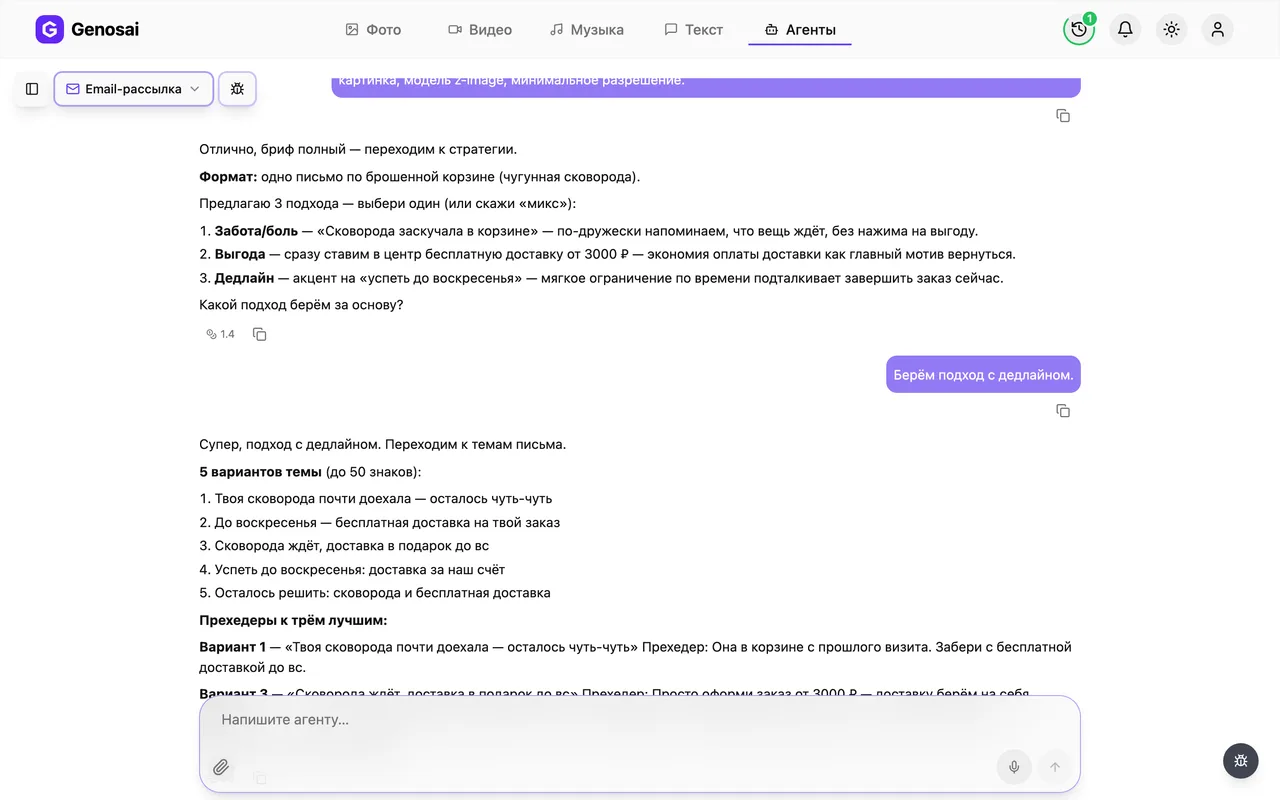
- Five subject lines — It offers five subject options free of spam words and false claims, plus preheaders that extend the subject instead of repeating it.
- A map of the sequence — For a series it first shows a table of which email goes out on which day and why.
- One clear button — Every email carries exactly one call to action with ready button wording, so the reader is never confused.
- A version without images — It supplies a separate plain version for subscribers whose email client blocks pictures.
- Optional header banner — It can draw a banner for the top of the email, with the cost shown in an estimate first.
- Pre send checklist — It closes by reminding you what to check: sender name, unsubscribe link, and how the email looks on a phone.
What it produced

Step-by-step guide
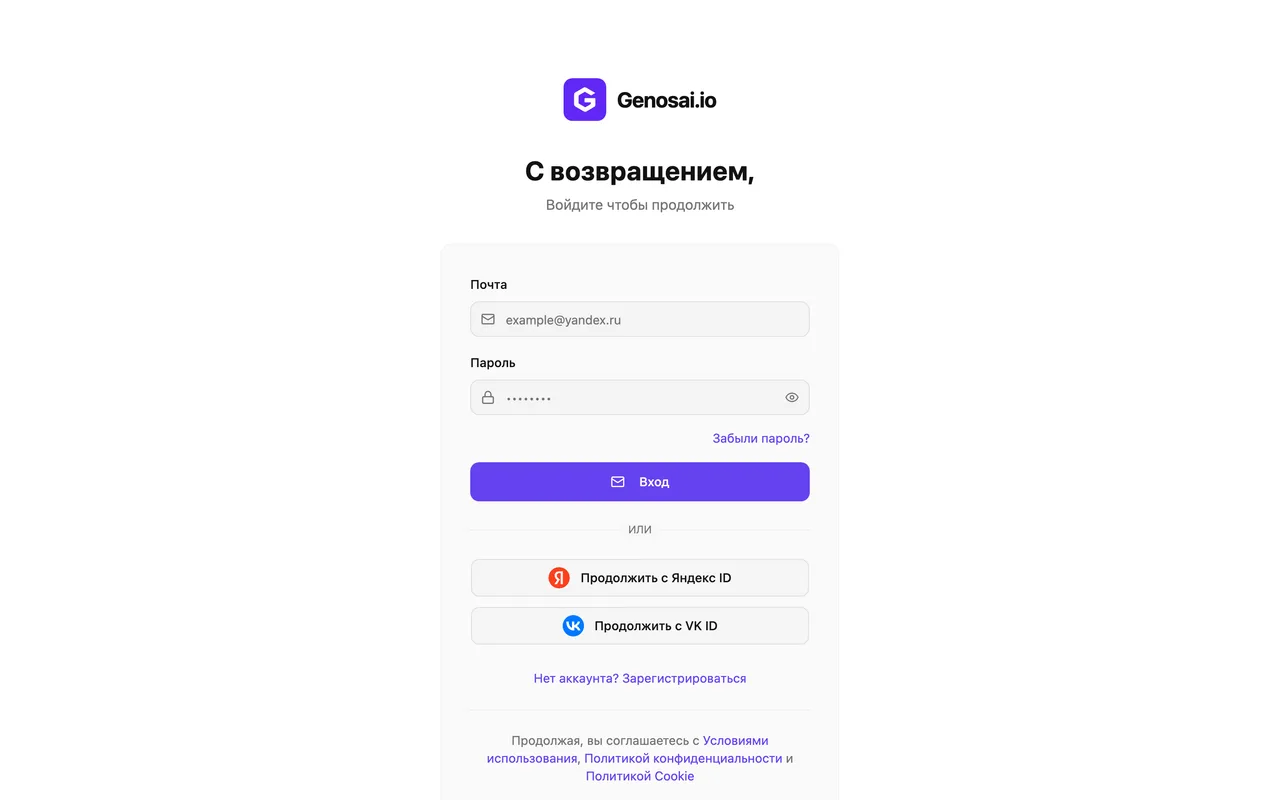
1. Step 1. Create your Genosai account
Open the site and press the sign in button. You can register with an email address or an account you already have, and nothing needs configuring. New users receive starter credits, so the first email usually costs nothing.
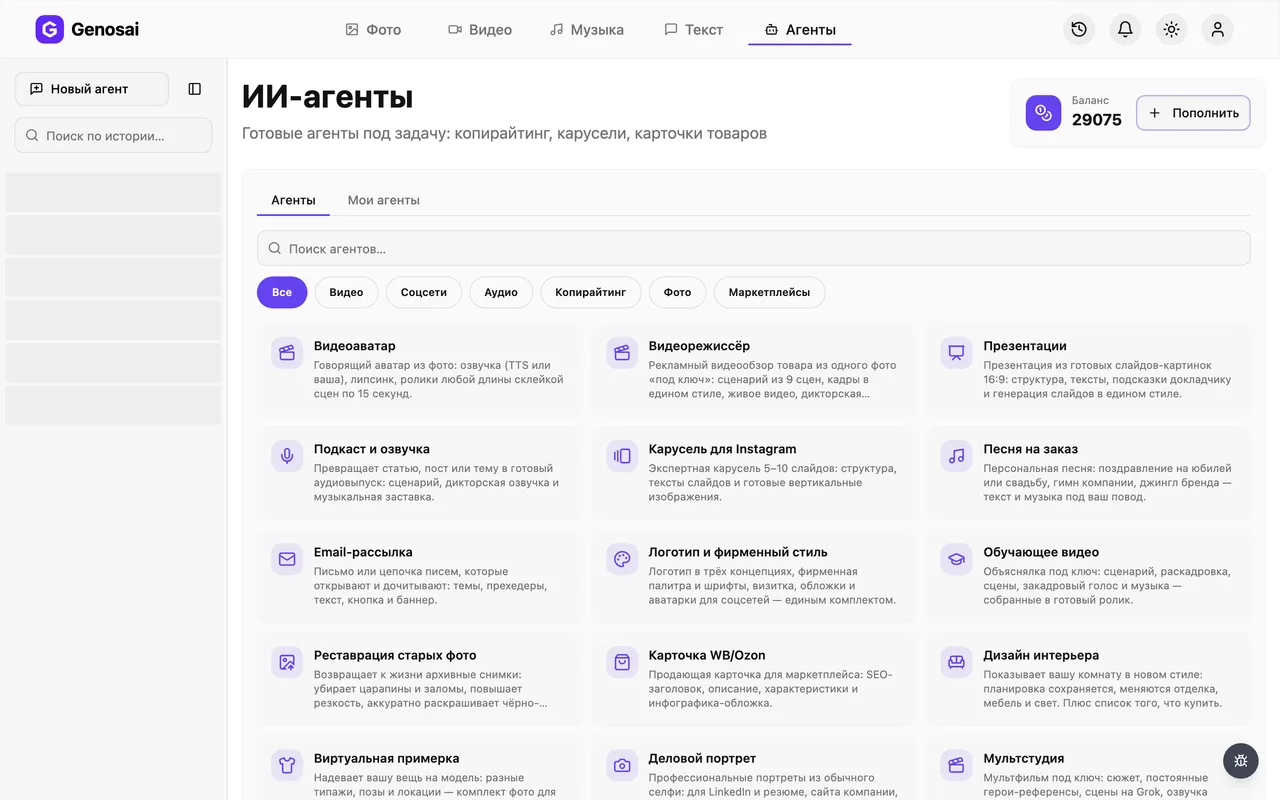
2. Step 2. Open the studio and the agents tab
Signing in takes you to the studio, the main workspace of the service. At the top there is an Agents tab, press it. The assistant is ready to work immediately, with no setup required.
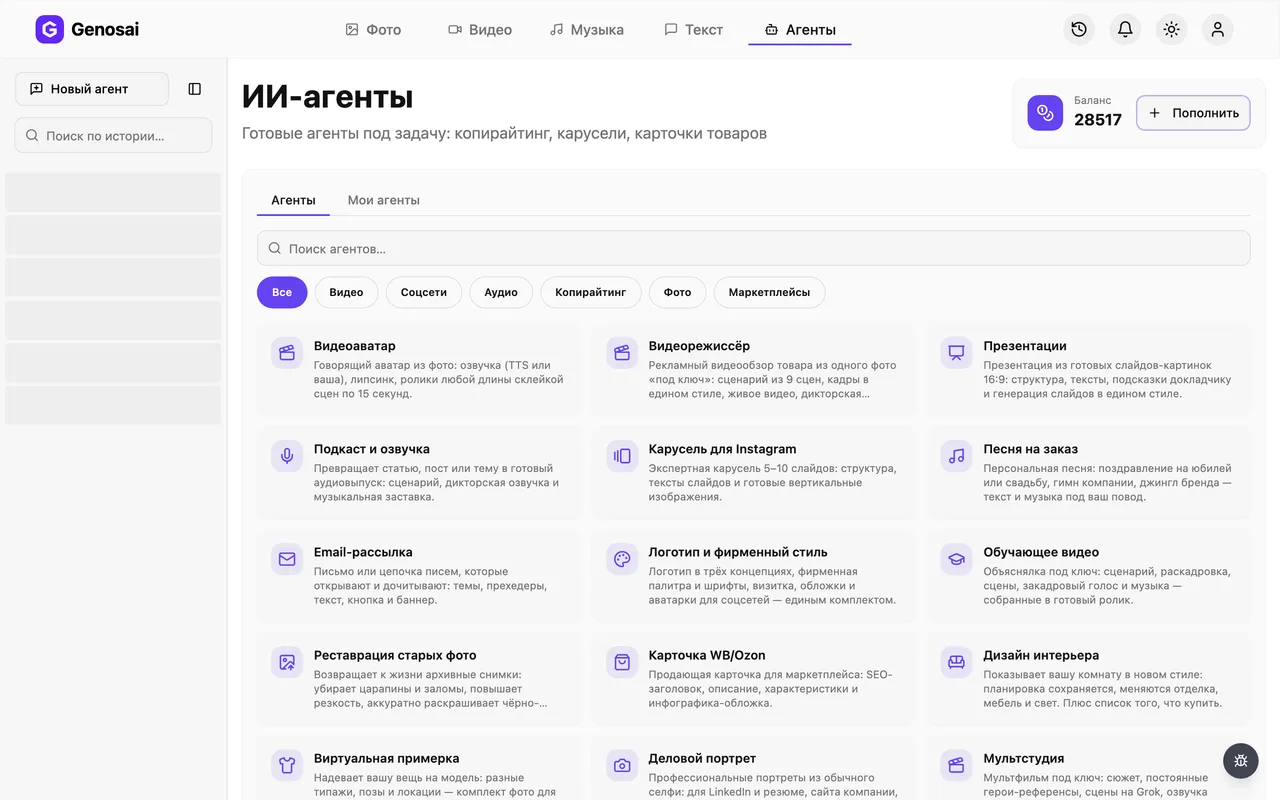
3. Step 3. Find the Email Newsletter agent
The gallery lists every assistant available. Type newsletter or email into the search box, or open the category for text work, then press the card with the envelope icon.
4. Step 4. See what the agent asks first
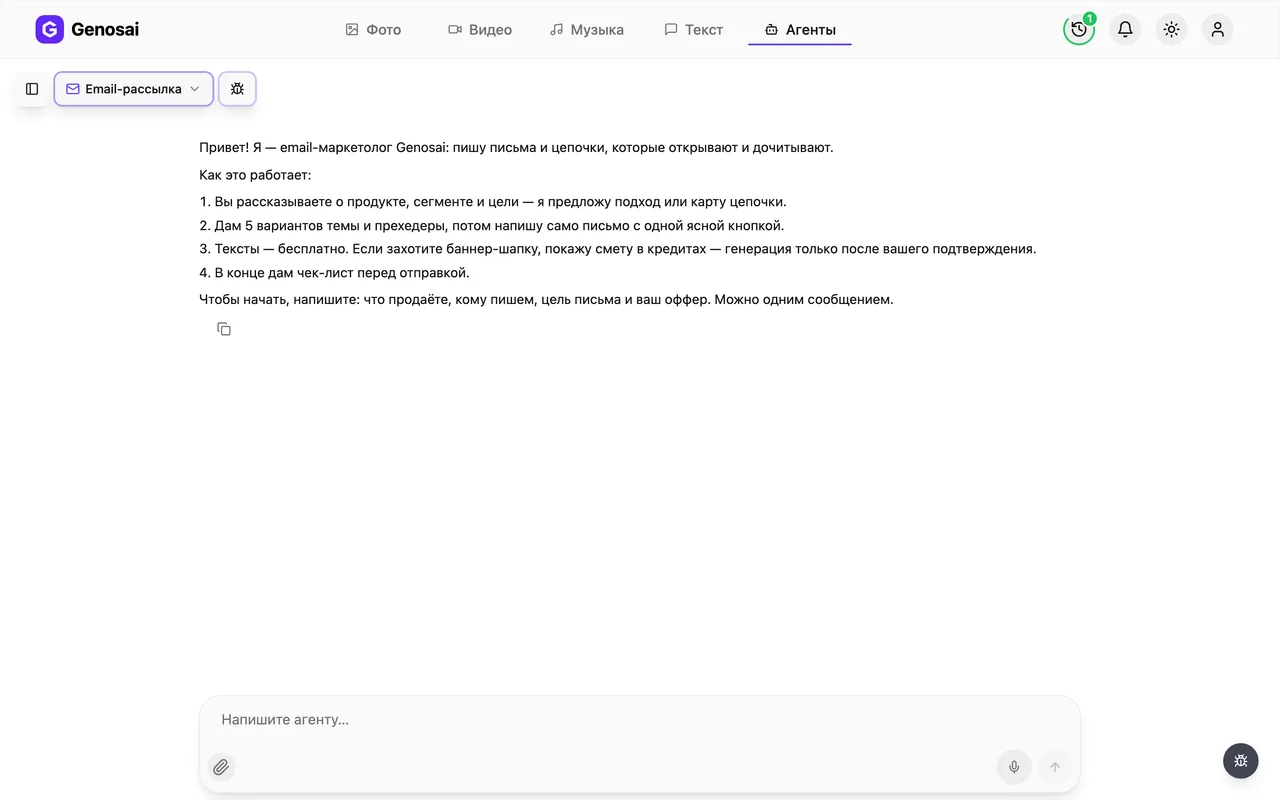
The assistant writes first and briefly explains how it works. It asks what you sell, who the email goes to, what the goal is and what your offer contains. Answer in everyday language.
5. Step 5. Fill in the brief in one message
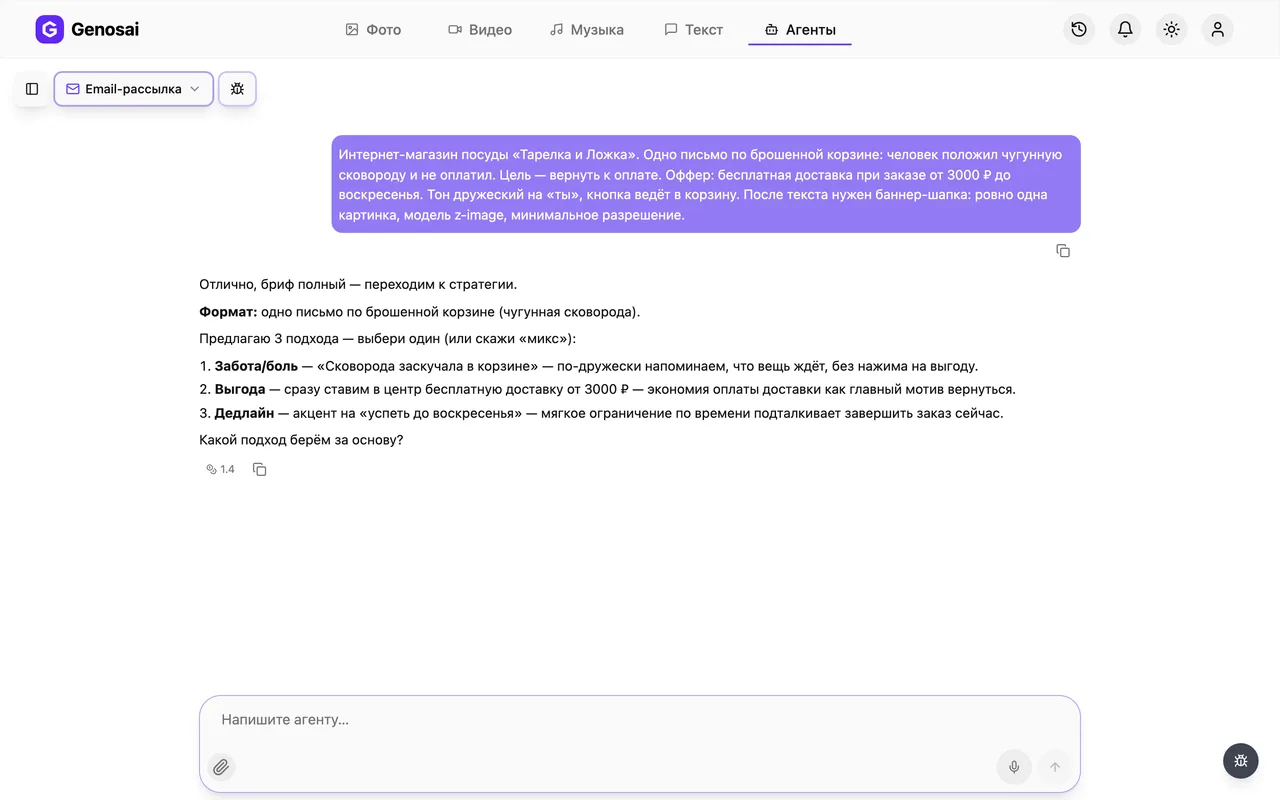
Describe the business and product, who receives the email, the goal, the real terms of your offer and the tone you want. Always say where the button leads. All of this fits in a single message, there is no need to split it.
The audience segment matters most. An email to brand new subscribers and one to people who abandoned a cart are built in completely different ways.
6. Step 6. Pick an angle or a sequence map
For a single email the assistant offers two or three angles, one line each: the problem, the benefit, a story, or a closing deadline. For a sequence it shows a table of emails by day. Choose whichever fits.
7. Step 7. Choose the subject line
The assistant gives five subject options, each under fifty characters, with preheaders for the best three. A preheader is the line of preview text shown next to the subject in an inbox. Reply with a number or ask for another round.
It deliberately avoids shouting words, fake reply prefixes and strings of exclamation marks, because those push messages into the spam folder.
8. Step 8. Receive and edit the body copy
You get the full text: greeting, a hook in the first two lines, the substance, proof, the button and a postscript. Ask for changes in plain words until you are happy. In a sequence the emails are written one at a time and approved separately.
9. Step 9. Confirm the estimate for the banner
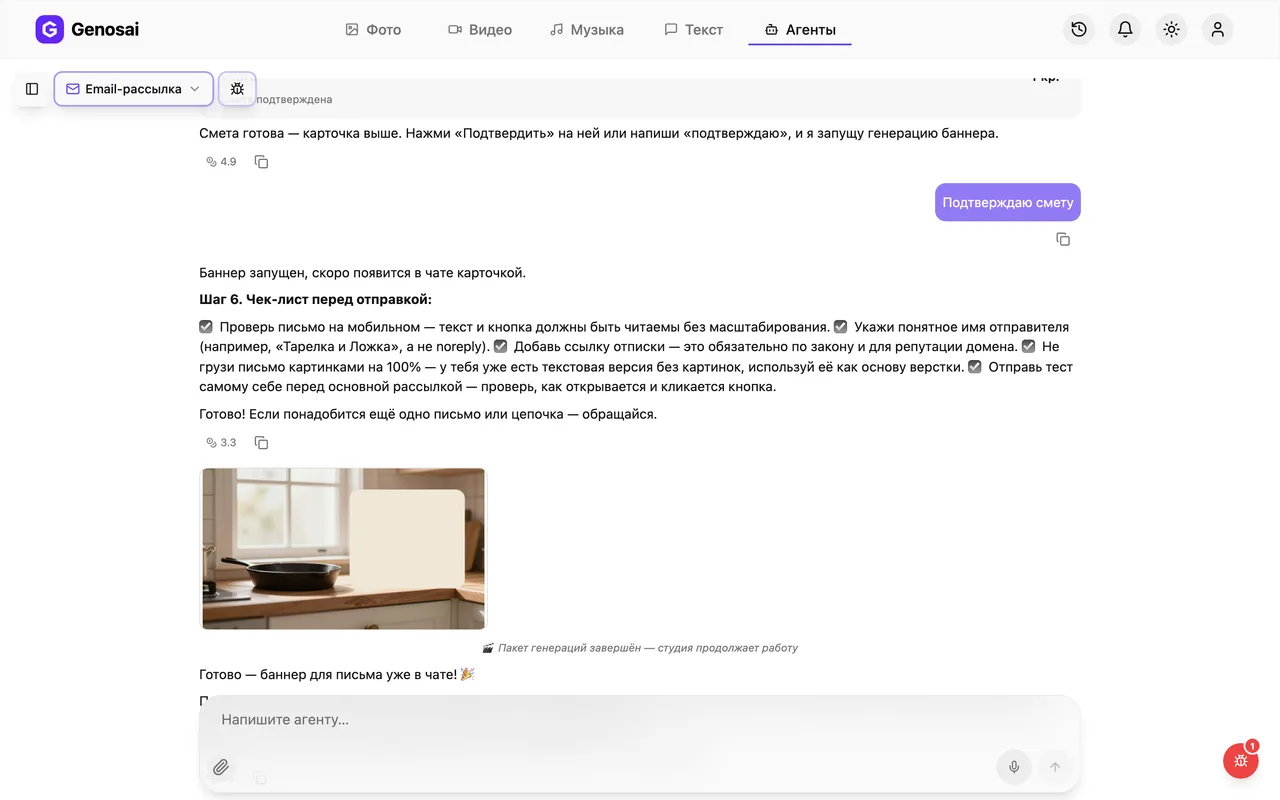
Once the text is approved, the assistant offers to draw a header banner and shows an estimate card with the exact cost. This is the only paid step, and nothing is charged before you press the confirm button.
Approval counts only as a button press or one short word. A long sentence of agreement deliberately does not trigger spending.

10. Step 10. Collect the email and run the checklist
The banner appears in the chat as a tile: click it to open the full screen viewer, where a download icon saves the file. The text you copy from the conversation. The assistant then reminds you what to check before sending. Paste everything into your own mailing service and send a test to yourself.
What this agent does
The Email Newsletter agent handles the part of marketing most people postpone for years, which is writing to their own list. Plenty of businesses hold several hundred customer addresses and never send anything, because it is unclear what to say or where to begin.
The assistant walks you through every decision in order. First it establishes the one thing that matters most: who exactly you are writing to. New subscribers, past buyers, people who abandoned a cart, webinar attendees and a dormant list all need different messages, and this is not a detail but the foundation. Then it proposes an angle, drafts five subject lines, writes the email around a single clear button, and closes with a checklist of what to verify before sending.
One limitation is worth stating up front. The agent does not connect to your mailing platform and cannot see your subscriber list. It hands over finished copy and an image, and sending remains entirely in your hands. That is a feature rather than a gap, because no message can ever go out by accident.
Who it is for
Small business owners sitting on a list they have built up over the years. A shop, a studio, a school, a repair service: the addresses accumulated, but nobody ever started writing.
People who sell courses and services. Email drives most of their revenue, yet it demands sequences rather than one off messages. The assistant builds the whole sequence with a day by day schedule.
Online shop owners who need abandoned cart messages, repeat purchase nudges and win back campaigns for customers who have not ordered in a while.
Marketers early in their career. If you have just taken over a client's mailings, the assistant gives you a solid frame and points out the mistakes that send messages to the spam folder.
If what you actually need is a short social post rather than an email, going straight to the Copywriter will be quicker.
What to prepare in advance
Nothing to install, everything runs in the browser. But four things are worth writing down before the conversation starts.
The segment. Not my list, but specifically who: people who bought six months ago and have been silent since.
The goal. What should happen after reading: a purchase, a booking, a reply, a visit to a page. One goal per email, never more.
The real terms of the offer. Price, discount size, the date it ends. Real ones, because the assistant will not invent deadlines, and that protects your standing with subscribers.
The link the button points to. Without it the email becomes a story about nothing.
A real conversation walked through
Here is an actual exchange, from the brief to a finished email.
You. I run a pottery studio and teach evening courses. I need an email for people who came to a free taster class a month ago but never signed up. The goal is to sell the course, it costs 12000 with 20 percent off until the end of the month. Friendly and informal tone. The button goes to the course page.
Agent. Understood. The segment is clear: warm but not yet buyers. Here are three angles, pick one.
- The unfinished action. We remind them how the taster class felt and offer to continue.
- Benefit and deadline. Straight to the discount and the date it ends.
- A student's story, someone who also arrived through a taster class first.
You. The third one.
Agent. Here are five subject lines, all under fifty characters.
- She thought she had no hands for this either
- Remember that cup from the taster class
- What happened next for Anna
- Your cup is waiting for part two
- One evening a week and your own tableware
Preheaders for the first three: [options]. Which subject do you like?
You. The second.
Agent. Writing the email now. Hook in the first two lines, proof drawn only from what you gave me, one button with the discount, and a postscript about the deadline. [full email text] Separately, here is the version without images and the button wording: Join the course at the discounted price. What would you change?
You. The second paragraph is too long, cut it down.
Agent. Halved it while keeping the meaning. Is the text approved? If so, I can offer a banner for the header.
You. Yes, do the banner.
Agent. Here is the estimate for one landscape image: hands at a potter's wheel, warm light, plenty of empty space on the right for text, no lettering. Press confirm on the card, nothing is charged before that.
You. Confirmed.
Agent. Starting now. While it draws, here is the pre send checklist: view the email on a phone, set a recognisable sender name, add an unsubscribe link and send a test to yourself.
What it costs
There is no flat price per email. The cost splits into two parts of very different size.
Writing the copy happens in conversation, which is billed per message and costs pennies. Discussing the angle, reviewing five subject lines and asking for a paragraph to be rewritten three times will barely register on your balance.
The header banner is the only noticeable expense. Before creating one the assistant shows an estimate card with the exact figure for the specific job: how many images and at what quality. As a guide, one banner costs about the same as any single image generation, so a sequence of five emails with individual banners costs roughly five times that.
Nothing is charged until you press confirm. You can decline the banner entirely and take only the copy, and the email will be no worse for it.
Your credit balance and top ups live in your account page. New accounts receive credits on registration.
Common beginner mistakes
Emailing the entire list at once. The most frequent error by far. The same message to newcomers and to loyal customers works for neither group. Split the list into at least two parts.
Several buttons in one email. Offer a reader three actions and they take none. One goal means one button.
Building the email entirely from an image. It looks beautiful in the editor, but some subscribers have images blocked and see nothing at all. That is exactly why the assistant supplies a plain text version separately.
Manufactured urgency. Fake final days and fake reply prefixes produce a short spike and a long loss of trust. The assistant refuses to use them.
Sending without a test. Mail it to yourself and open it on a phone. Half the problems become obvious in ten seconds.
Approving an estimate with a long sentence. The system counts only a button press or one short word, so something like yes brilliant go ahead is deliberately ignored.
Why this beats writing it yourself
Subject lines. The hardest part of any email is the single line somebody sees in their inbox. Inventing one is painful, choosing from five is easy.
Structure. An email that works follows a shape: hook, benefit, proof, one action, postscript. People write long messages with no call to action at all and then wonder why nobody clicked.
Knowledge of the constraints. Subject length, spam trigger words, the legal need for an unsubscribe link, the plain text alternative: the assistant remembers all of it by default, whereas a person learns it after their first trip to the junk folder.
Speed on sequences. A series of five emails takes one person a week. Here the map is ready in minutes and the emails can be written in a single evening.
The final word is still yours. You know your subscribers and the way they speak, so one genuine detail from your own practice will strengthen any finished draft.
Which agents pair well with this one
An email rarely stands alone, because the button always leads somewhere.
If it leads to an article, write that first with the SEO Article assistant, and let the Copywriter produce the short social announcement.
Scheduling emails and posts across a month is the job of the monthly content plan, while adapting the text for a specific network belongs to the social post assistant.
If your mailings need a consistent, recognisable look, see logo and brand kit so the banners match your site colours.
The full list of assistants with descriptions sits on the page listing all agents in the service.
FAQ
Does the agent send the emails for me
No. It has no access to mailing platforms or to your subscriber list. It hands you finished copy and an image, and you send them through whichever service you already use.
How many emails can a sequence contain
As many as you need, though three to seven is typical. The assistant first shows a map of the whole sequence by day, then writes the emails one at a time.
What does it cost
The copy is produced in conversation, and conversation is billed per message for a few credits. Real spending happens only for the banner, whose price appears in an estimate beforehand.
Can I skip the banner
Yes, and often you should. Emails made entirely of images land in spam more often, so a text email with a clear button performs just as well.
Will it invent testimonials or a discount to sound convincing
No, and that limit is intentional. It uses only the real figures and terms you supplied, and it will not write fake deadlines.
Does this work for a list that has gone quiet
Yes, that is a segment of its own. Mention it in the brief and the assistant will pick an angle suited to waking dormant subscribers.
What if the tone does not sound like me
Say so in plain words: drier, warmer, less familiar. Editing the text needs no new estimate and costs almost nothing.