AI social media post generator for VK and Telegram
This helper writes a finished post for VK or Telegram and draws a matching image if you want one. It asks about your topic and goal, offers three opening lines to choose from, and keeps the length within the habits of each platform. No experience with AI tools is required, you simply answer in plain words.
Updated: August 10, 2026
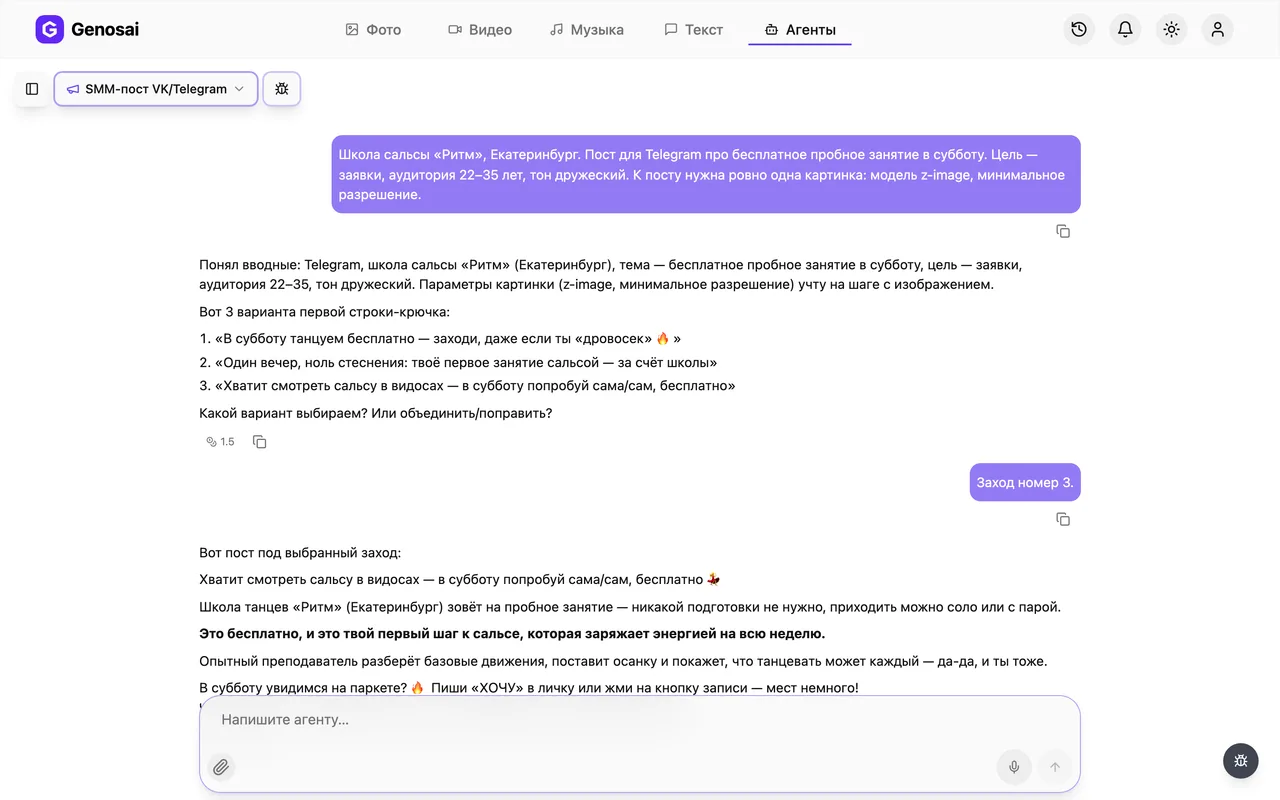
- Three opening lines — The agent proposes three different hooks and you pick the one that fits your audience best.
- Length per platform — VK posts get room to breathe and a closing question, Telegram posts stay tight with one clear call.
- Free rewrites — The text is reworked as many times as you need, since chatting costs a fraction of an image.
- Matching image — On request the agent draws a picture in the right proportion so the post does not look bare.
- Ready to paste — The final wording appears as a separate block that you copy straight into the post editor.
- Estimate before charging — The cost of the image is shown in advance and nothing is deducted until you press confirm.
What it produced

Step-by-step guide
1. Step 1. Register
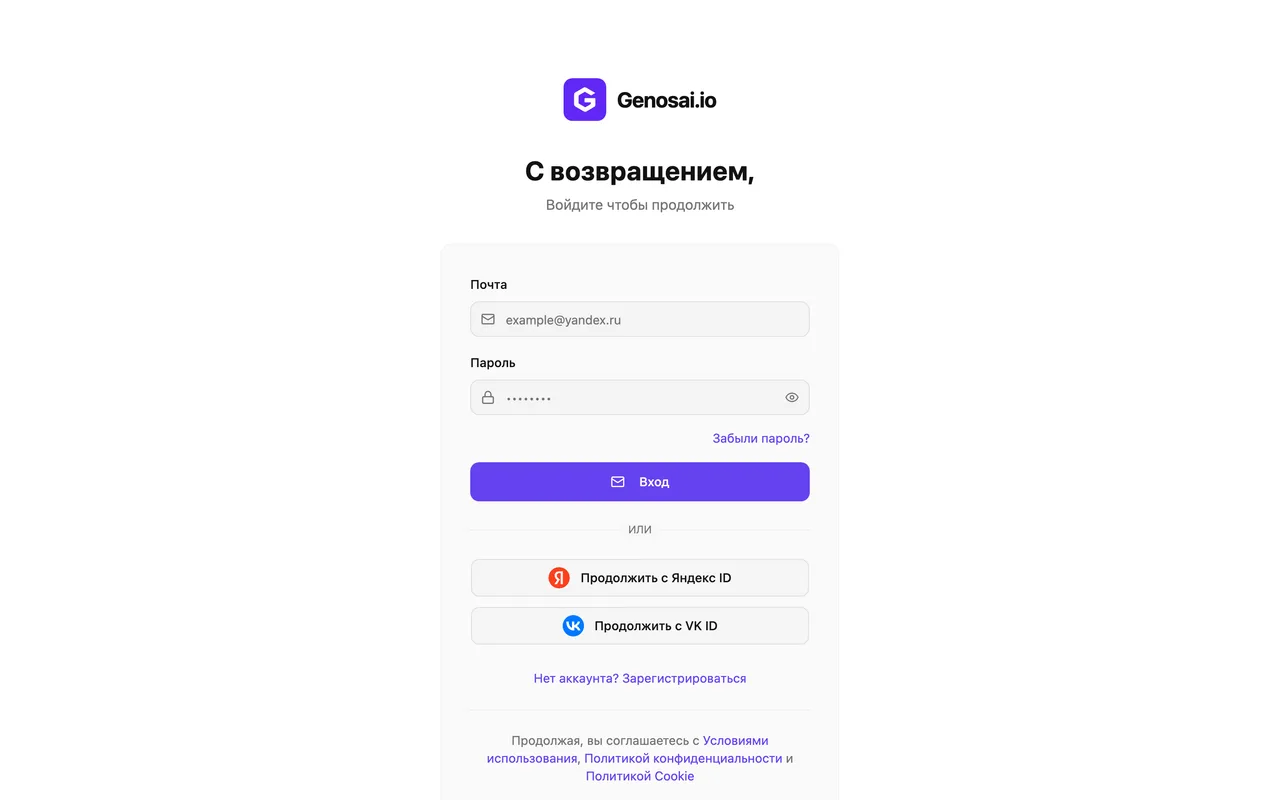
Open the Genosai site and press the sign-in button. You can register with an email address or an account you already use. New users receive trial credits on the balance, so the first post usually comes out free.
2. Step 2. Open the studio
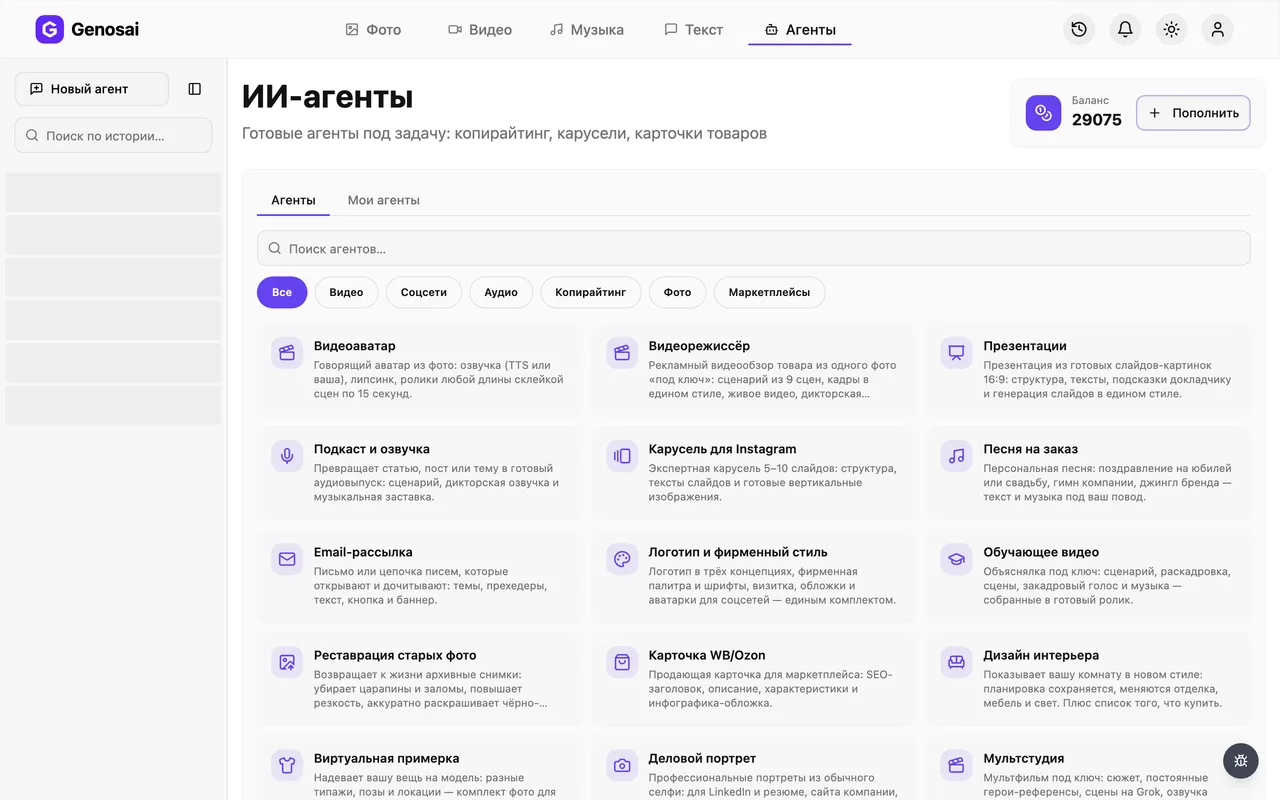
Signing in takes you to the studio, the main workspace of the service. Near the top there is an Agents tab. Agents differ from plain generation because they guide you step by step and ask the questions themselves. Click that tab.
3. Step 3. Pick the post agent
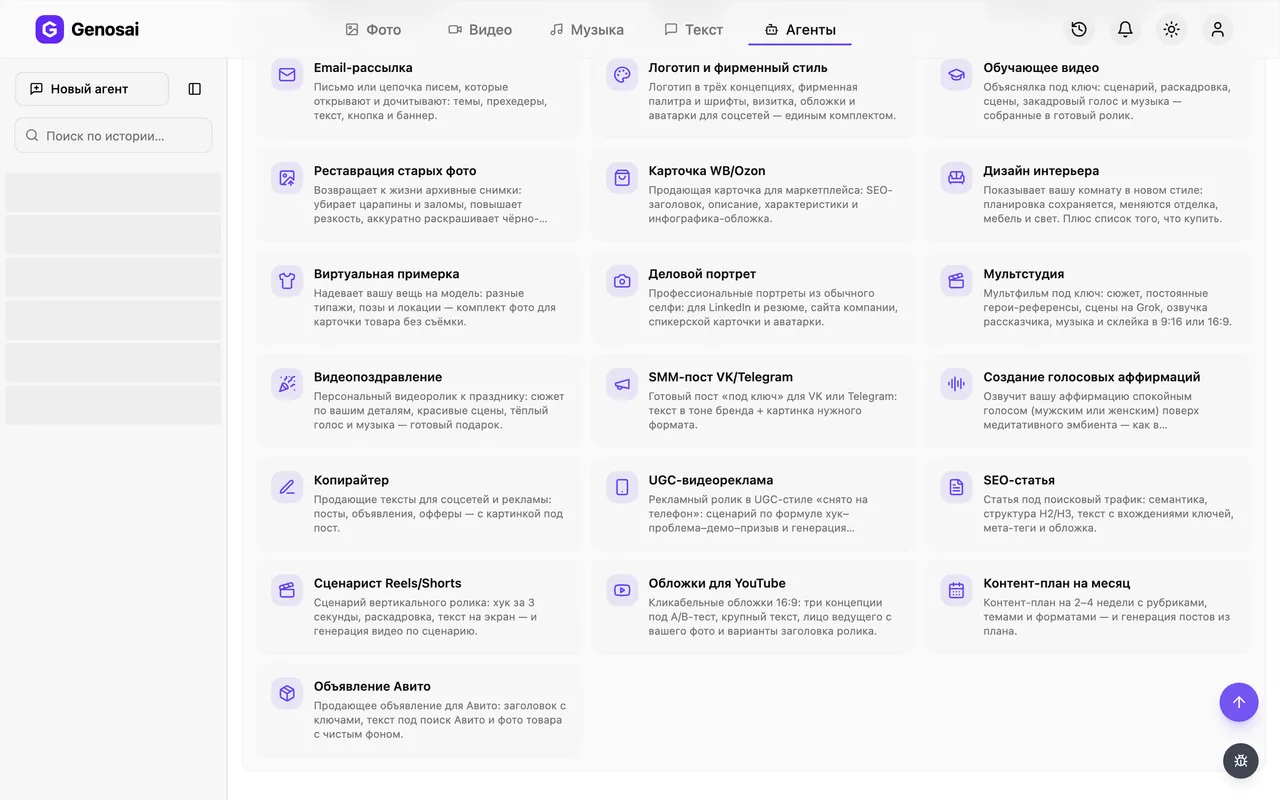
A gallery of helpers grouped by category opens. Choose the social section or type the word post into the search box. Click the card for the VK and Telegram post agent and a chat window opens.
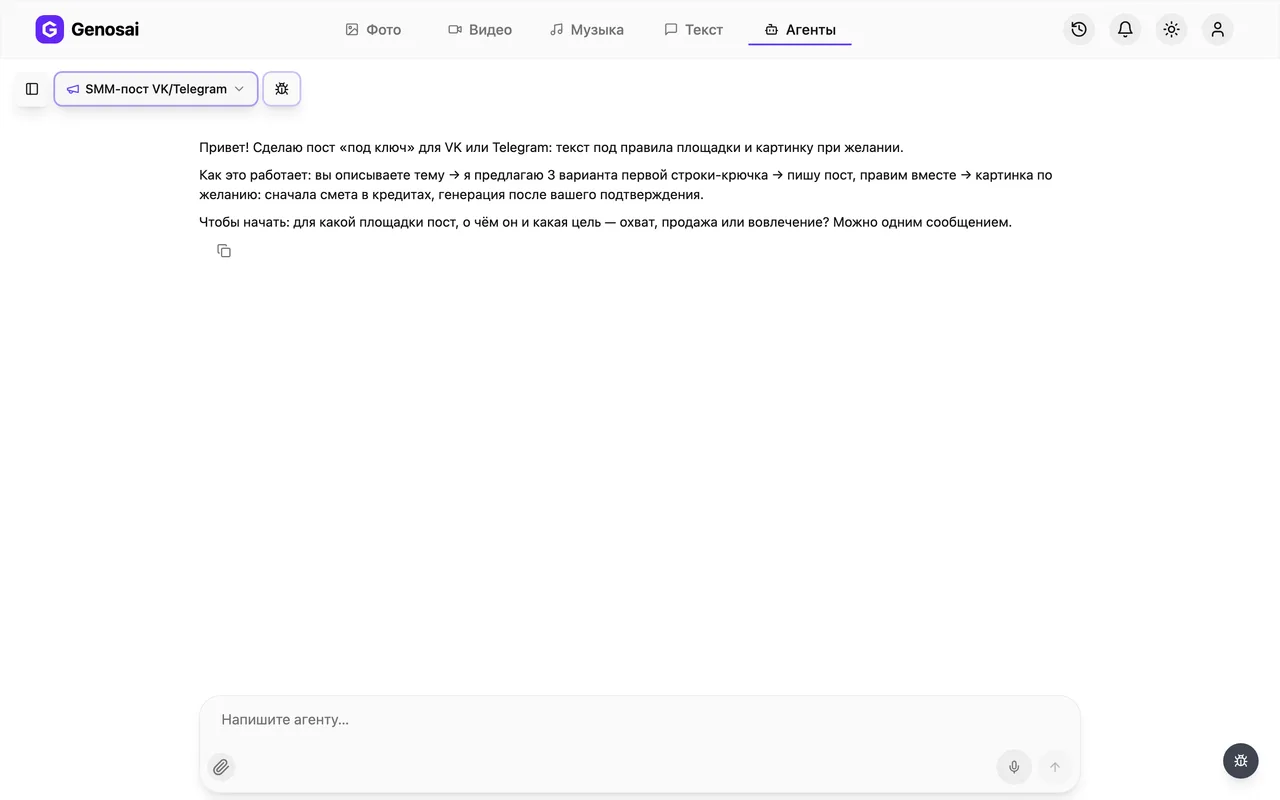
4. Step 4. Read the first question
The agent writes first. It briefly explains how the work will go and asks which platform the post is for, what it is about and what the goal is. One message in everyday words is enough, no special phrasing needed.
5. Step 5. Answer and choose the opening
Name the platform, the topic, the goal and the tone you want: friendly, expert or sales driven. The agent replies with three numbered opening lines. Pick a number and it writes the whole post. Read it and ask for changes right in the chat.
Text edits cost almost nothing, so polish the wording here instead of rewriting it yourself later.
6. Step 6. Check the balance
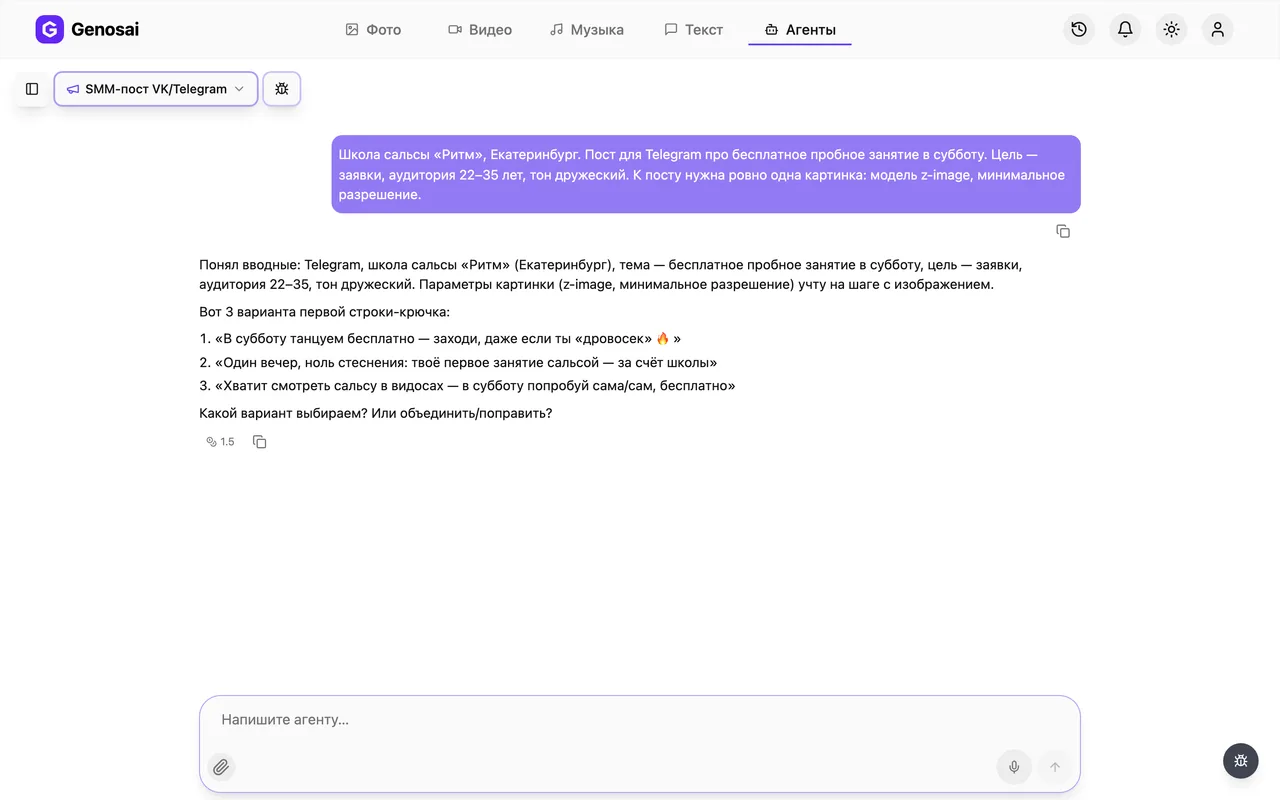
If the post needs an image, look at the credit balance at the top of the screen. Credits are the internal units that pay for the work of the AI model. If you are short, top up here and the conversation stays untouched.
7. Step 7. Confirm the estimate
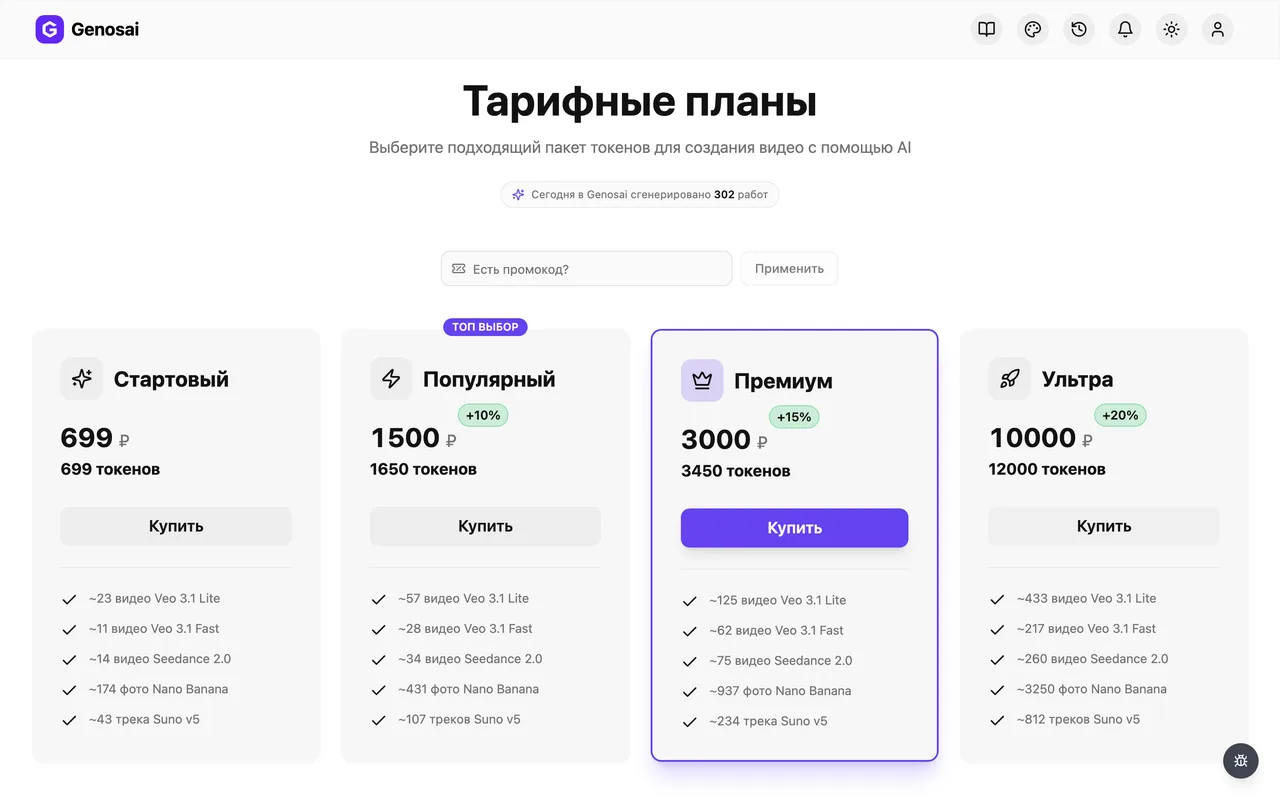
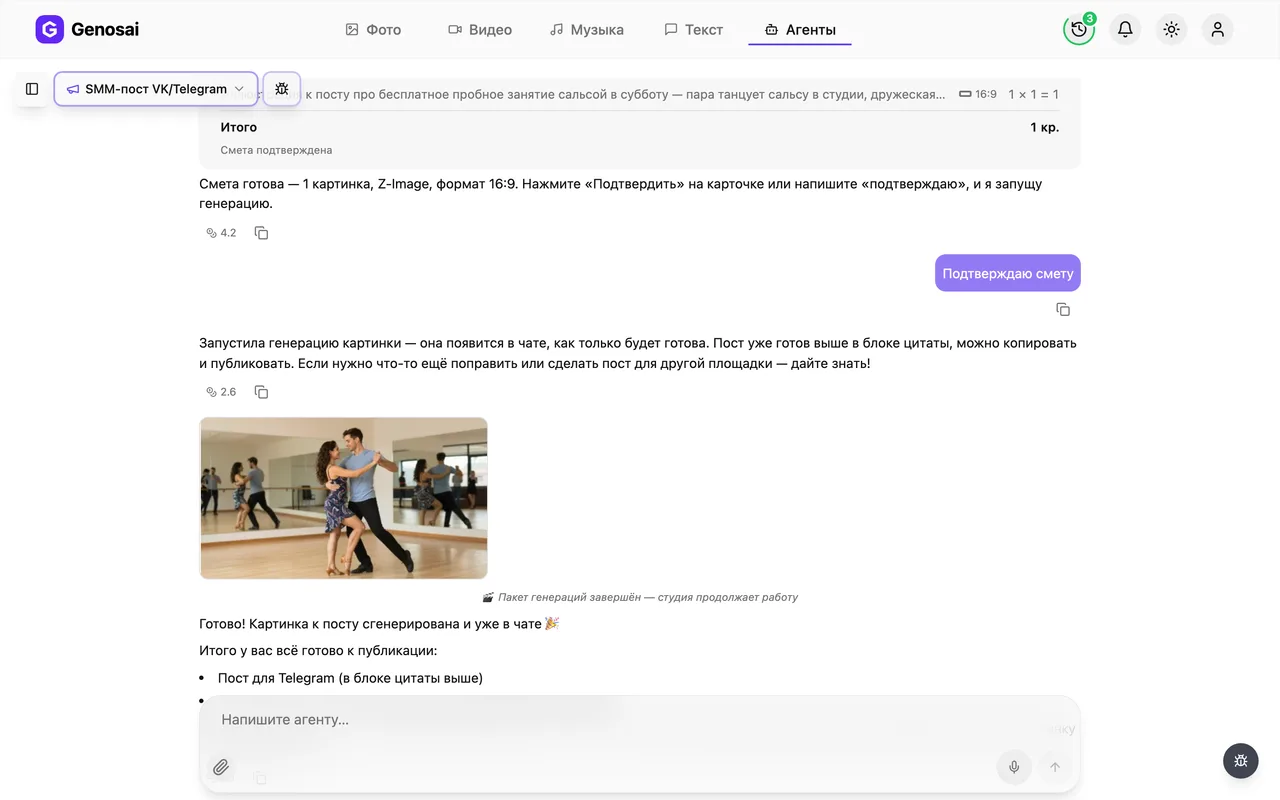
The agent shows an estimate card: one image in the right proportion and its cost in credits. No money leaves your balance until you press confirm. If you do not need an image, say so and the job simply ends with the finished text.
Saying yes go ahead does not replace the button. Press confirm or write the single word confirm.

8. Step 8. Wait for the image
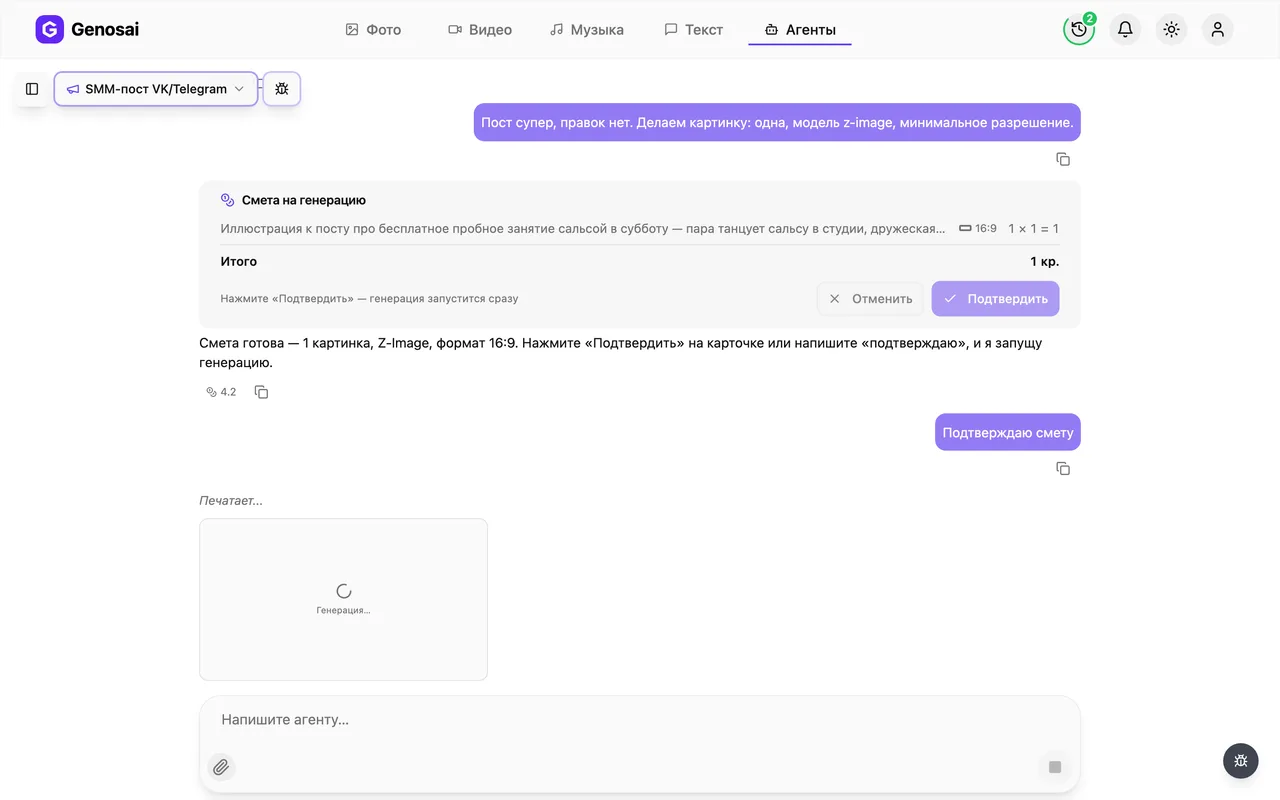
After confirmation a tile labelled Generating appears in the chat and turns into the finished picture. A single image is usually ready in under a minute. You can close the tab, because the run continues and the result waits for you in the same conversation.
9. Step 9. Take the post and image
The final wording appears as a separate block that is easy to select and copy. The picture shows up next to it as a tile: click it to open the full screen viewer, where a download icon saves it. Paste the text into the VK or Telegram editor, attach the image and publish.
What this agent does
The agent produces a publication from start to finish. You explain what you want to say and it turns that into finished text for VK or Telegram, plus an illustration if you ask for one.
The process feels like working with an editor. First the agent establishes the essentials: platform, topic, goal and tone. Then it offers three possible opening lines, because the first line decides whether a reader stops scrolling or moves on. You choose a number, and only then does the full text appear.
After that it is ordinary editing. If the ending falls flat, there are too many emoji, or you want to add a price or an address, say so in plain words and the agent rewrites. The final version is printed as a separate block so the whole text can be copied in one go.
Length deserves a separate mention. VK and Telegram have different reading habits, so the agent keeps the volume inside the right limits automatically: roomier text with a comment-inviting question for VK, shorter and denser text with one clear call for Telegram.
Who it is for
Small business owners who run their own page. A coffee shop, a car service, a nail studio, a corner store. They need regular posts, but hiring a specialist for a few publications a week does not pay off.
Independent experts. A therapist, a trainer, an accountant or a tutor has to stay visible, and writing time is exactly what they lack.
Employees who inherited the social accounts on top of their real job. Such a person does not consider themselves a writer and values a ready draft that only needs adjusting.
Junior social media managers who juggle several projects and want the routine part done faster, keeping strategy and client contact for themselves.
If you need a month of publications rather than a single post, start with the content plan agent. For a post made of swipeable images there is the Instagram carousel.
What to prepare in advance
Almost nothing, but four answers are worth thinking through, otherwise the text turns out generic.
The platform. VK, Telegram or both at once, since this drives length and delivery.
The topic. The more specific the better. Tell people about us produces a dull text, while explain why our bookings run a week ahead and that is normal produces a lively one.
The goal. Reach, engagement or a sale. A selling post is built differently from an educational one and ends with a different call.
Tone and facts. Describe how you normally talk to customers and add concrete details: prices, timing, address, the name of a staff member. The agent does not know your company, and without facts it writes politely but blandly. One or two sentences of detail change the result more than any setting.
Walking through a real conversation
The shortened exchange below shows how it works in practice.
Agent. Hi. I will make a turn-key post for VK or Telegram, written for the platform rules, with an image if you want one. Which platform is it for, what is it about, and what is the goal, reach, sales or engagement?
You. Telegram. A coffee shop in a residential area, we are launching a seasonal menu with pumpkin latte. Goal is to get people in to try it. Friendly tone.
Agent. Understood. Here are three opening lines, pick a number.
- Autumn is officially open, pumpkin latte is back on the menu.
- We argued about the syrup for three weeks. The verdict is in the cup.
- Pumpkin latte is back, and this time it is not sickly sweet.
You. Number two.
Agent. Done, here is the Telegram post.
> We argued about the syrup for three weeks. The verdict is in the cup. > > Pumpkin latte is back on the seasonal menu. We cook our own syrup instead of using a ready mix, which makes the taste softer than usual. > > Open from morning until eight in the evening, neighbours across the road especially welcome.
What should I change?
You. Add the price of four dollars and drop the last line about neighbours.
Agent. Updated, the price is in the text. Do you want an image for the post? A horizontal frame suits Telegram.
You. Yes please.
Agent. Here is the estimate for one image. Nothing is charged until you press confirm.
You. Confirm.
Agent. Starting now, the picture will appear here within a minute.
Notice one detail. Agreement to the estimate has to be short: a button press or a single word. Longer replies such as yes great go ahead are deliberately not treated as confirmation, so that money is never taken because of a casual phrase.
What it costs
There is no fixed price. The cost depends on the volume of work and the agent shows the exact figure in the estimate before anything starts. Nothing is charged until you press confirm.
The cheapest part is the conversation. It is billed separately and takes an insignificant share of the total, so you can compare openings and polish wording without watching the meter.
The visible part of the spend is the image. One post with a picture costs about the same as a single ordinary image generation, which is the smallest purchase in the service. If you skip the image, you are left with the cost of the conversation alone.
Should a generation fail, its credits return automatically and the agent retries without asking for a new estimate.
Common beginner mistakes
Picking a topic that is too broad. Write a post about our company turns into a string of polite phrases. Give one concrete reason: a new item, an offer, a question customers keep asking, a story from practice.
Leaving out the facts. Without prices, deadlines and details the text reads smoothly but says nothing. The agent will not invent numbers for you, and that is the right behaviour.
Confirming in a long sentence. People write yes all good let us do it and then wait, while the job stands still. Press the button on the estimate card or write a single word.
Trying to fit everything at once. Three subjects in one post read badly on any platform. Split them into three publications, especially since each one costs so little.
Publishing without rereading. Check numbers and names before the post goes out. The agent works only from what you wrote in the chat, so a typo in a price will be repeated.
Why this beats writing it yourself
Writing your own post usually takes thirty minutes to an hour, and half of that goes into the first line. A freelance copywriter charges a noticeable fee per publication and rarely replies instantly. The agent produces a draft in a couple of minutes and rewrites it as often as needed, with no awkwardness and no extra invoice.
The second gain is platform fit. Beginners publish the same text everywhere and wonder why nobody finishes reading it on Telegram. The agent knows the different length and delivery expectations and applies them automatically.
An honest limitation: the agent does not know your company. It has no idea that a staff member is on holiday or that a supplier raised prices. Anything that matters has to be said in the chat, otherwise the text comes out correct but without your specifics.
Agents that pair well with this one
A single post is more useful when it is part of a system.
Build a monthly content plan first so you never invent a topic from scratch again. Material that works better swiped than read belongs to the Instagram carousel agent. If the topic can become a short video, go to the Reels and Shorts scriptwriter for a script. A long article for your website comes from the SEO article agent, short ad copy from the copywriter, and letters to your customer base from the email newsletter agent.
Every helper in the service is listed with its purpose on the all agents page.
FAQ
How does a VK post differ from a Telegram post?
VK text is longer, broken into short paragraphs and ends with a question that invites comments. Telegram text is denser, with the key idea in bold and a short call to action. The agent adapts on its own once you name the platform.
Can I get one topic written for both platforms?
Yes, just say you need both. The agent writes two versions of the same post, each following the habits of its platform, so you never have to trim the text by hand.
What if none of the three openings appeal to me?
Say so directly and the agent offers new ones. It helps to explain what is wrong: too loud, too dry, not right for your audience. This costs pennies and takes a couple of minutes.
Is the image mandatory?
No, the image is entirely optional. You can stop at the text, in which case the job costs no more than the conversation itself, which is a tiny amount.
Can I use my own photo instead of a drawn image?
This agent draws pictures from scratch and does not process your own photos. If you already have a suitable shot, decline the image and attach yours when publishing.
How long does a finished post take?
Usually five to ten minutes including edits. Most of that time goes into reading the options and refining wording, while the image itself is drawn in under a minute.
Am I charged just for chatting with the agent?
Messages are billed separately and cost very little. A noticeable amount is spent only on the image, and only after you confirm the estimate with the button.