Flux 2 Pro on Genosai — photorealism and true materials up to 4 megapixels
Flux 2 Pro is an image generation model by Black Forest Labs, available in Genosai with detail up to 4 megapixels. It excels at photorealism: skin, glass, metal and fabric read true, and composition stays stable at high resolution. In Genosai the model runs online, with no API keys or setup.
Updated: August 10, 2026
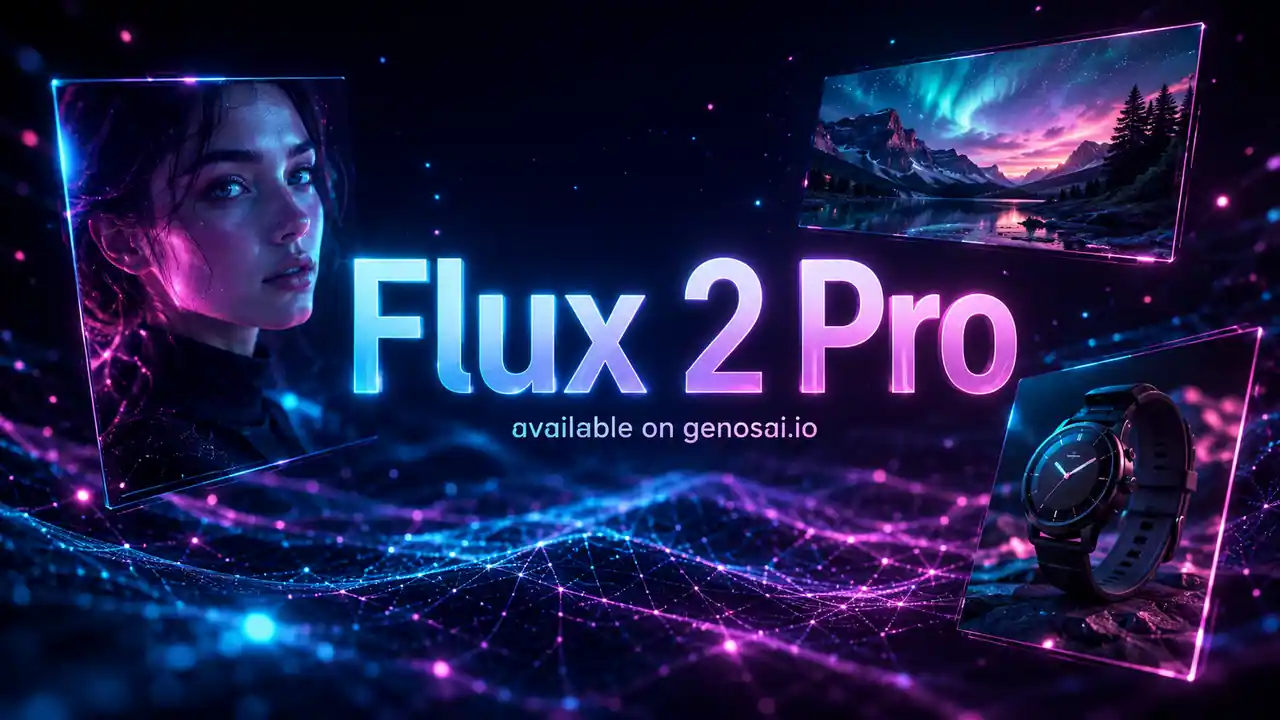
- Editorial-grade photorealism — Cinematic light, natural bokeh and depth of field bring frames close to a real studio shoot.
- Detail up to 4 megapixels — Large frames stay sharp — the model is stable where earlier versions drifted in composition.
- Multi-reference up to 10 photos — Combine up to ten images to keep a character, product and style across one series.
- True material rendering — The model understands light on skin, glass and metal — highlights and shadows look believable.
- JSON prompting — A structured prompt sets composition, light, camera angle and palette where precision matters.
Contents
- What is Flux 2 Pro
- Capabilities
- Examples
- How to use on Genosai
- Prompts
- Generation cost
- How it compares
- Limitations and tips
- FAQ
What is Flux 2 Pro
Flux 2 Pro is an image generation model from Black Forest Labs, released in November 2025. It continues the Flux line and takes the role of the main model for photorealistic frames: where believable light, materials and detail matter. In Genosai the model is available online, so you do not need API keys or your own infrastructure — generation happens right in the browser.
The key difference from earlier versions is quality at high resolution. Flux 2 Pro generates frames with detail up to 4 megapixels, while Flux 1.1 Pro was limited to formats up to 1440 by 1440 pixels. It is not only about size: earlier versions often showed composition drift and repeated elements above 1024 by 1024, whereas Flux 2 Pro holds the frame structure steadily even on large images.
The second important trait is its grasp of materials and light. The model is trained to distinguish subsurface scattering in skin, highlights on glass and metal, and how fabric absorbs or reflects light. Because of that, portraits, interiors and product frames look closer to a real studio shoot than to a plastic render.
Who is Flux 2 Pro for first of all. It is photographers and retouchers who need a photorealistic source. It is shop owners and brand managers who care about product shots with true materials. It is designers assembling visuals for ads and slides. With multi-reference up to ten images, the model is also handy where you need to keep one look of a hero or product across a whole series of frames.
Capabilities
Flux 2 Pro covers tasks where photorealism and true detail come first. Below is what the model does reliably in practice.
Photorealism and light
The model creates cinematic frames: soft or high-contrast light, natural depth of field, clean bokeh in the background. It holds sharp focus on the subject and blurs the backdrop realistically, so portraits and reportage scenes look shot on a camera rather than generated.
Materials and textures
Flux 2 Pro understands how light behaves on different surfaces. Skin gets a soft subsurface glow, glass and metal get believable highlights, fabric gets texture and folds. For product photography this is the key point: goods look premium and true without a real photo studio.
High resolution and stability
Detail up to 4 megapixels lets you use a frame in print, on large screens and in layouts where sharp fine detail matters. At the same time the composition stays coherent: no doubled objects or artifacts that showed up in earlier versions at large sizes.
Multi-reference
The model accepts up to ten references at once and merges them into a new frame. This is convenient when you need to keep a character's face, a recognizable product and an overall style across a series of images: you provide the samples, and Flux 2 Pro builds a scene from them while staying in one visual key.
JSON prompting
For tasks where precision matters, Flux 2 Pro accepts structured prompts in JSON: you can explicitly set composition, camera angle, lighting scheme, palette and object placement. This suits designers who need a predictable result rather than a random interpretation of free text.
Examples
Flux 2 Pro shines on tasks where photorealism and true materials matter. Here are the typical scenarios teams use it for:
- Portrait and reportage shots: realistic skin, natural light and bokeh without a real photo shoot.
- Product and e-commerce shots: goods on a clean background or in an interior with true highlights on glass and metal.
- Interiors and architecture: large frames with fine detail and stable composition at high resolution.
- Advertising visuals: cinematic scenes for banners, covers and slides.
- Series in one style: repeating a hero or product look via multi-reference up to ten images.
Finished frames can be downloaded at high resolution and used in layouts, catalogs and social media. The cover on the model's Genosai page shows the photorealistic result Flux 2 Pro is known for.
How to use on Genosai
Running Flux 2 Pro in Genosai needs no technical setup: everything happens in the browser, and the model is already connected. Below is the basic path from sign-in to a finished picture.
- Sign in to your Genosai account and open the photo studio.
- Pick Flux 2 Pro from the model list.
- Set the resolution (1K or 2K) and aspect ratio for your placement.
- If needed, attach up to ten references — a character, product or style.
- Describe the frame in a prompt: subject, light, materials and scene mood.
- Send the request, then refine if you like — change the light, angle or palette.
Prompts
These templates show how to phrase tasks for Flux 2 Pro. Replace the text in brackets with your own details and add notes on light, materials and format — the more specific the prompt, the closer the result to what you had in mind.
Editorial portrait of [subject], soft window light, shallow depth of field, realistic skin with subsurface scattering, cinematicE-commerce product shot of [product] on [surface], studio lighting, realistic reflections on glass and metal, clean backgroundInterior of a [room type] in [style], natural daylight, high detail, wide 16:9 frame, photorealisticCinematic scene: [subject], dramatic side light, rich textures, natural bokeh, high-resolution photorealistic renderAdvertising visual for [product], studio light, focus on material texture, minimal background, 4:5 formatPortrait keeping the character from the attached references, new scene: [subject], natural lightMacro shot of [object], detailed textures, soft light, realistic materials, shallow depth of field, ultra sharp focusGeneration cost
In Genosai Flux 2 Pro is priced by resolution — you pay per actual generation, so a light draft costs less than a final frame. The reference points are: 1K is 5 credits, 2K is 7 credits. You pick the resolution before launch, so spend is always predictable and does not depend on a subscription.
A practical approach is to tune composition and light at 1K, then regenerate the good option at 2K with the chosen prompt. Starter credits after sign-up let you try the model for free, and top-ups are available with local cards. Current rates and balance are in Pricing.
How it compares
Flux 2 Pro is the pick for photorealism and true materials. If the image must carry readable text, look at ChatGPT Image 2 with its accurate captions. For quick conversational edits, Nano Banana Pro is handy, and for stylized, affordable frames there is Seedream 5 Lite or the budget Z-Image.
| Model | Resolution | Price per frame | Strength |
|---|---|---|---|
| Flux 2 Pro | up to 4MP | 5–7 credits | Photorealism and materials |
| ChatGPT Image 2 | up to 4K | 6–16 credits | Accurate on-image text |
| Nano Banana Pro | up to 4K | 18–24 credits | Conversational edits |
| Z-Image | fixed | 1 credit | Cheapest option |
All models are available in one Genosai interface, so you can compare them on your own task and pick the best fit for price and quality. A sensible tactic is to keep several models at hand: a cheaper one for a stream of drafts and Flux 2 Pro for frames where photorealism and true materials matter. On the balance of price and photorealistic quality, the model looks like one of the best value options in the catalog.
Limitations and tips
Flux 2 Pro is strong at photorealism, but it has its limits. Text on the image comes harder to it than to dedicated models: complex typography renders at roughly 60% accuracy, so for posters and packaging with large captions ChatGPT Image 2 is a better fit. The 4K resolution is not exposed through public access — in Genosai you get 1K and 2K.
Another common trap is a prompt that is too vague. If you just write "a nice portrait", the model fills in the details for you and returns an average result. The more inputs you give — light, materials, angle, depth of field — the closer the frame to your intent. For precise tasks it helps to use a structured JSON prompt: it reduces randomness in composition and light.
For the best result, work iteratively: tune the composition at 1K, pick the good option, and regenerate it at 2K with the same prompt. For a series of frames use multi-reference — that makes it easier to keep one look of a hero or product. And if a frame needs both photorealism and readable text, compare the result with ChatGPT Image 2 on the same task and pick the model for each specific frame.
FAQ
What is Flux 2 Pro and who built it?
Flux 2 Pro is an image generation model from Black Forest Labs, released in November 2025. It advances the Flux line with a focus on photorealism and high resolution. In Genosai it is available online without a separate subscription or API keys.
How is Flux 2 Pro different from the previous version?
Flux 2 Pro raises resolution to 4 megapixels versus 1440 by 1440 in Flux 1.1 Pro and holds composition more steadily on large frames. It also adds multi-reference up to ten images and noticeably better material rendering.
How much does one Flux 2 Pro generation cost?
In Genosai the price depends on resolution: 1K costs 5 credits, 2K costs 7 credits. You pay per actual generation, with no monthly subscription. Credits top up whenever you need them.
Is Flux 2 Pro good for product shots?
Yes. The model renders materials accurately — highlights on glass and metal, fabric texture, reflections — so it fits e-commerce and ad frames. You can often get a studio look without a real photo shoot.
Do I need API keys to use Flux 2 Pro?
No. Genosai gives access to Flux 2 Pro right in the browser, with no API keys or infrastructure setup. Just sign in to Genosai and pick the model in the photo studio.
Can I use several references at once?
Yes. Flux 2 Pro accepts up to ten references at the same time and merges them into a new frame. This helps keep a character, product and style consistent across a series of images.